5
1
6
7
2 3 4 5
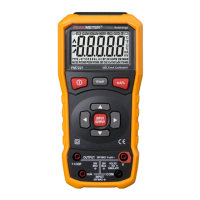
INPUT
OUTPUT
1
2
3
4
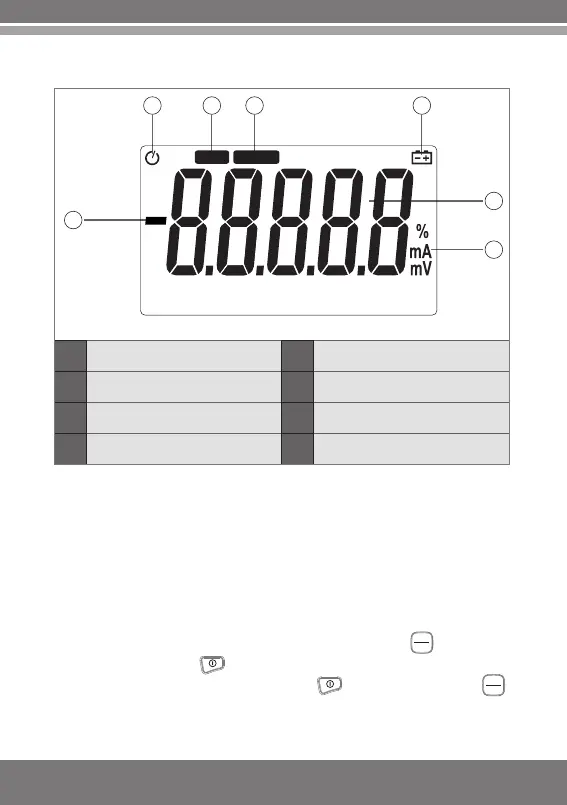
Negative sign
Auto power off indicator
Measurement status
indicator
Output status indicator
5
6
7
Battery Low indicator
Data display area
Displayed unit
2.2 LCD screen
3. Operating instructions
3.1 Auto shutdown
When the meter is left idle for five minutes, the meter will
automatically be shut down to extend the batteries' service life.
To disenable auto power off function, please follow the steps
below:
1.When the meter is powered off, press the key and hold it,
then press the key to start up. When the meter has been
started up, release the press on the key and then on the key
INP UT
OUTPUT
INP UT
OUTPUT


 To Next Page