4.6.7. Low resistance measurement
WARNING!
To avoid electric shock, disconnect power to the unit under test and
discharge all capacitors before taking any resistance
measurements.
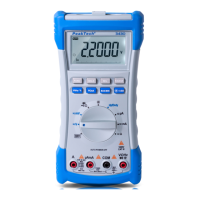
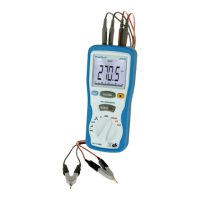
1. Insert the red test leads banana plug into E2,P2 red com
jack,and black test leads banana plug into E1,P1 black com
jack.
2. At the range of 40 Ω, connect the clips to the low resistance’s
terminals, If the reading is too low then switch the range to 4 Ω
or 400m Ω.
3. Remove the clips from the low resistance terminals, and
connect then each other ,then press “ MODE/REL” button.
4. Connect the clips to the low resistance’s terminal again.
5. Read the resistance in the display. The display will indicate the
proper decimal point, value and symbol.
-44-


 To Next Page