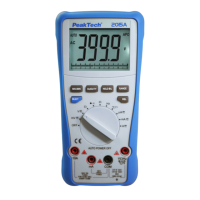
4.7. Relative Measurement
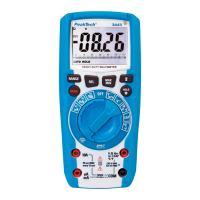
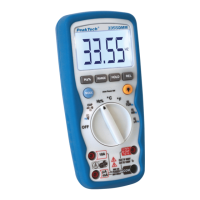
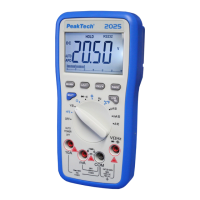
Press the “REL” key, you can measure the relative value and “REL”
sign will appear on the LCD display in the relative mode. What is
meant by the relative value? Press the “REL” key, the meter make
the first measured value into a reference value (You must be decide
a reference value as the input signal.), and the meter store the
displayed reading as a reference value.
The relative measured value that displayed in LCD is achieved by
subtracting a reference value from the present reading value.
Vx – Vref = Vdisplay In it, Vx – measured value, Vref – reference
value, Vdisp – displayed value
To activate the relative mode, press and hold the HOLD/REL button
for greater than 2 seconds.
-76-


 To Next Page