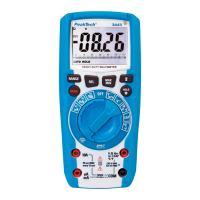
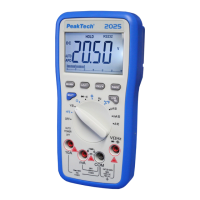
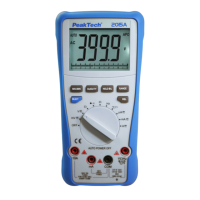
1. Set the function switch to the "V~" position.
2. Press “F2” button to select AC “~”.
3. Insert the black test lead into the negative COM jack and the red
test lead into the positive V//CAP/Hz%/Temp jack.
4. Touch the test probe tips to the circuit under test.
5. Read the voltage in the display. The display will indicate the
proper decimal point, value and symbol.
-82-


 To Next Page