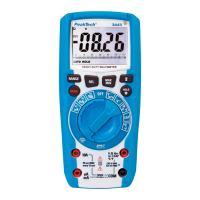
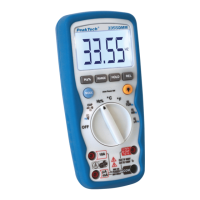
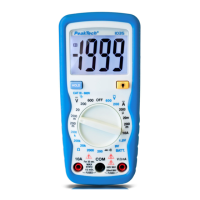
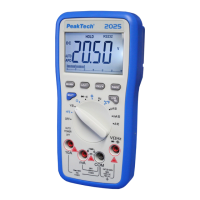
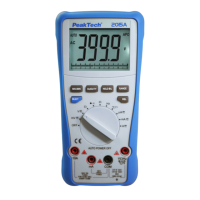
1. Set the function switch to the " Ω / / " position.
2. Insert the black test lead into the negative COM jack and the red
test lead into the positive V//CAP/Hz%/Temp jack.
3. Touch the test probe tips across the circuit or part under test. It
is best to disconnect one side of the part under test so the rest of
the circuit will not interfere with the resistance reading.
4. Read the resistance in the display. The display will indicate the
proper decimal point, value and symbol.
Caution!
When you short the test leads in the 600 range, your meter
display a small value (no more than 0.3 ). This value is due to your
meter´s and test leads internal resistance. Make a note of this value
and subtract it from small resistance measurements for better
accuracy.
-85-


 To Next Page