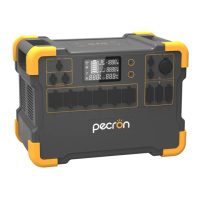
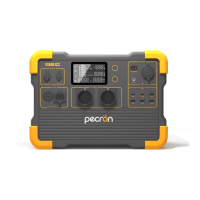
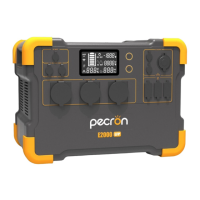
E2000
LFP
support@pecron.com
HOW TO USE THE E2000 LFP
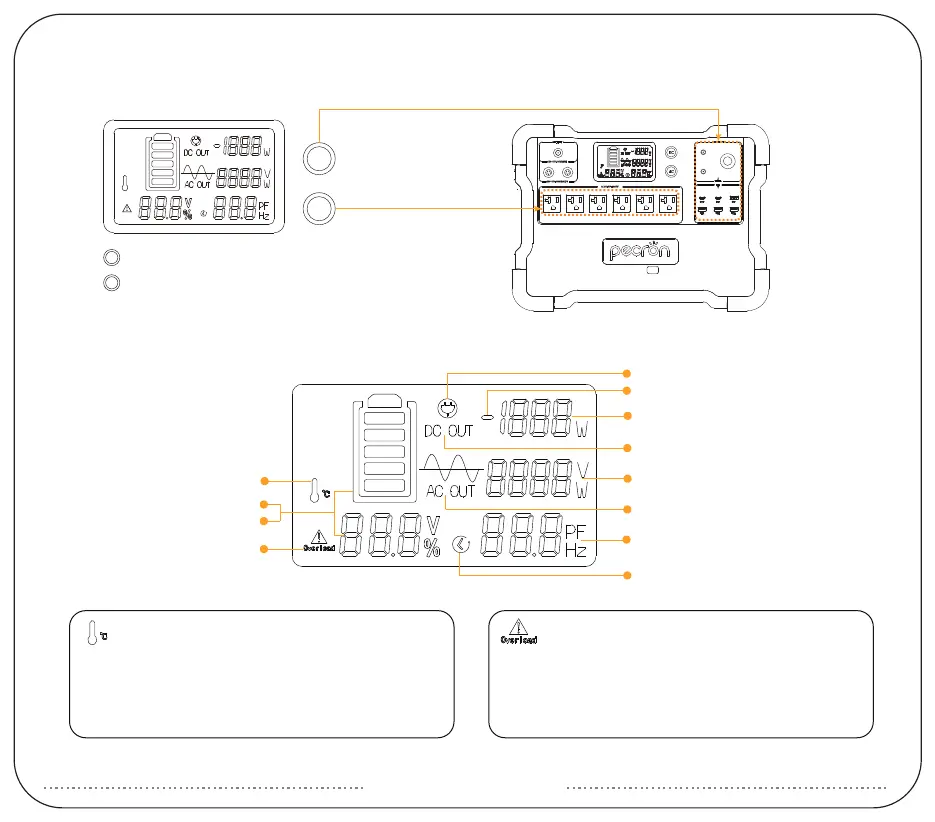
LCD SMART DISPLAY
AC Overload Alarm Icon
E2000 LFP can power most devices with power
consumption less than 2000 watts.
If your device is more than 2000W, The AC overload alarm
will flash, The power supply will stop working.
Temperature Alarm Icon
E2000 LFP can power your devices at temperatures
ranging from -20~45℃.
If your working temperature is more than 45℃, the
temperature alarm will flash,the unit may stop working.
Time Indicator
DC Out
AC Out
press and hold to turn on / off DC /USB / Wireless Charger
press and hold to turn on / off AC(
Please turn off the AC
function if there is no AC load on the unit)
DC
AC
DC
AC
Over load
℃
Temperature Alarm
Battery Soc(%)
AC Overload Alarm
Charge Indicator
Discharge Indicator
Net Input/Output Wattage
AC Input Wattage(W)/Voltage(V)
PF Value/Remaining Charging/
Discharging Time(Hrs)
Voltage(V)


 To Next Page