Need help?
Do you have a question about the Pecron E1000 PRO and is the answer not in the manual?
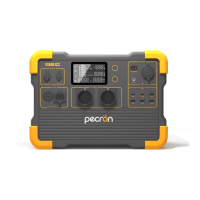
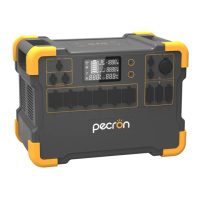
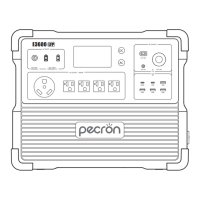
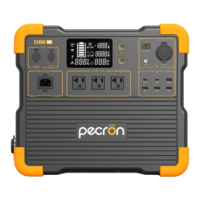
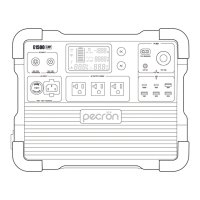
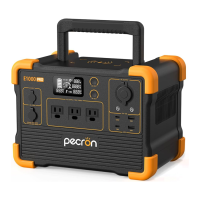
Details all charging ports, output ports, switches, and the LCD display.
Covers capacity, battery type, charging duration, operating temperature, dimensions, and net weight.
Lists specifications for AC Out, USB, Cigar Port, DC 5525, GX16MF, and 5521 ports.
Explains the meaning of icons, indicators, and readings on the LCD display.
Instructions for powering on/off DC, USB, Wireless Charger, and AC functions.
Explains the temperature and overload alarm icons and their implications.
Lists all items included in the package with the Pecron E1000 PRO.
Details charging times using wall charger, generator, car charger, and solar panels.
Details voltage, wattage, and VOC requirements for the DC5521 charging port.
Details voltage, wattage, and VOC requirements for the GX16MF-5 charging port.
Provides customer support contact details, website, and company information.
 General
| Brand | Pecron |
|---|---|
| Model | E1000 PRO |
| Category | Portable Generator |
| Language | English |

 To Next Page