support@pecron.com
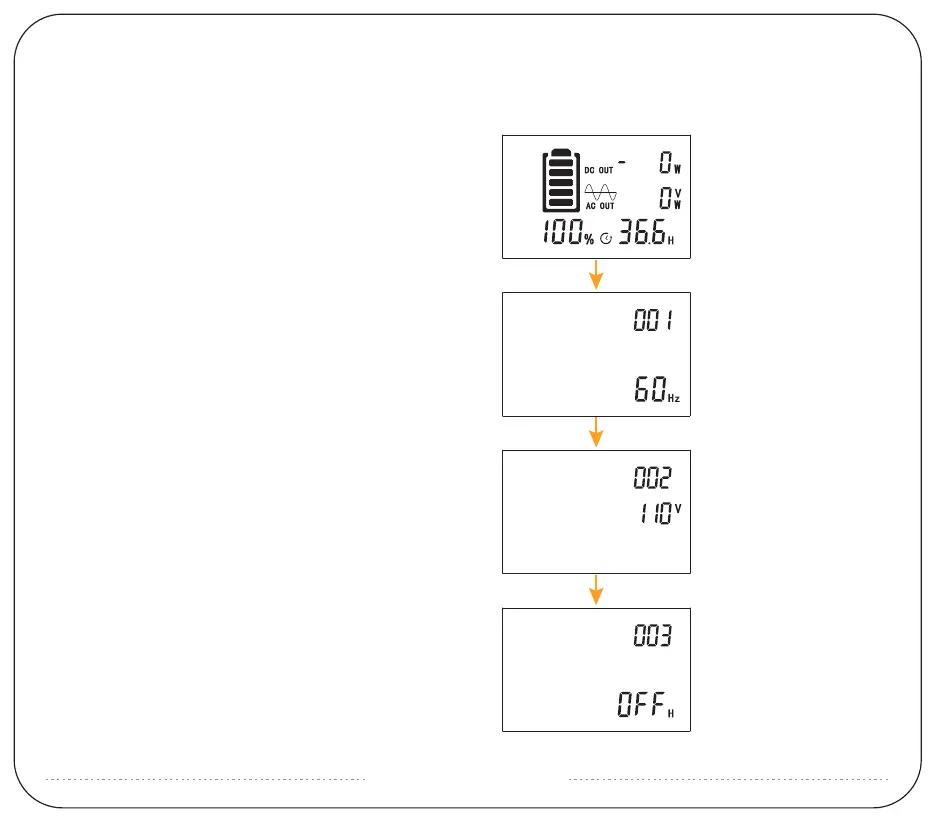
1:After powering on, long press the AC and DC switch at
the same time. The battery symbol will flash and then
please long press DC to enter into setting.
2:Item 001 is for AC output frequency.
Short press DC to set 50Hz or 60Hz.
Then short press AC to next item.
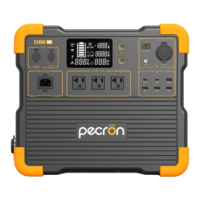
HOW TO ADJUST THE AC OUTPUT FREQUENCY VOLTAGE
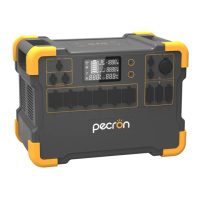
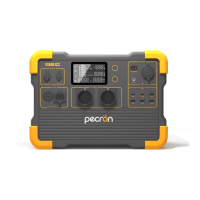
AND NO-POWER AUTOMATIC SHUTDOWN TIME OF E2400 LFP.
3:Enter setting of 002, this is for AC output voltage.
Short press DC to adjust voltage.
Short press AC again to next setting.
4:Enter setting of 003, the default value is OFF. It means
the machine is without any setting about auto shutdown
time. Short press DC to set it based on needs and short
press AC to enter next step.


 To Next Page