EN 10
Oven mode
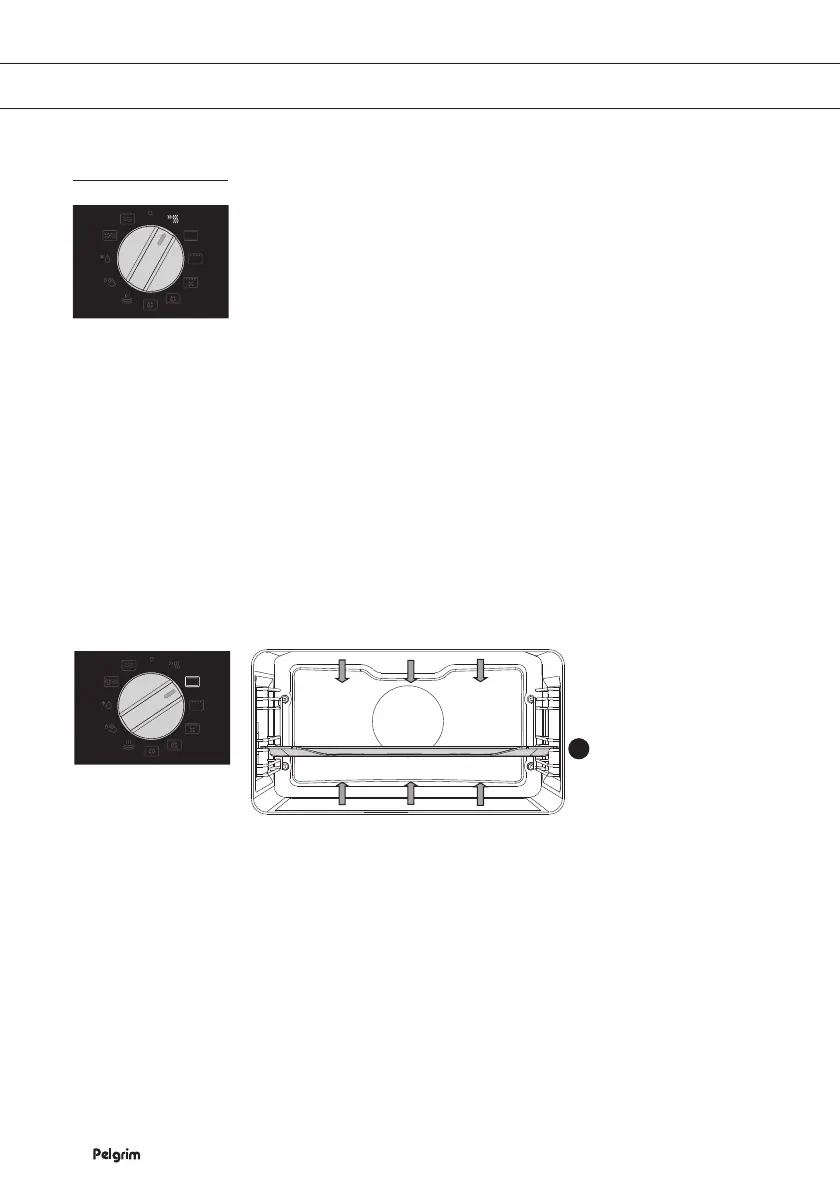
Fast preheating
Use this function to heat the oven to the desired temperature as quickly
as possible.
This mode is not appropriate for cooking!
• Turn the ‘Mode selector’ to ‘fast preheating’.
The preset temperature will be displayed. This temperature setting
can be adjusted.
Note:
After the oven is switched on with the ‘Start / stop key’, it will start to
heat up.
When the set temperature is reached, preheating is completed and an
acoustic signal will sound.
Top heat + bottom heat setting
Heat comes from top and bottom heating elements. This setting is
suitable for traditional baking and roasting.
• Baking tray or oven rack is usually placed on Level 2.
Temperatures Setting: 40 - 250 °C*
• Preheating is recommended.
* Please ensure that glass baking dishes are suitable for 40 - 250 °C
cooking temperatures.
USE
Fast preheat
Top and bottom
heat
2


 To Next Page