5
How to change the pre-filter
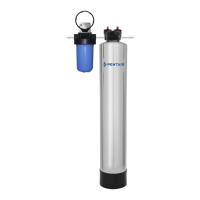
When it comes time to change the pre-filter, it is an easy operation.
Step 1: Turn the main water supply off by turning the shut-off valve to the off position
Step 2: Push the red button on top of the pre-filter housing to relieve the pressure
Step 3: Use the supplied pre-filter wrench to unscrew the blue housing (turn clockwise)
Step 4: Replace the used pre-filter with a new one and screw the blue housing back onto
black cap
Step 5: Turn the water supply back on and you are done


 To Next Page