PS48/PS80 Advantage Series Salt Based Water Softeners
© 2015 Enviro Water Solutions LLC
3060 Performance Circle, Suite 2. DeLand, FL 32724
— Rev K
Page 9
www.pelicanwater.com
(877) 842-1635
Complete the Installation
1. Set the Bypass Valve into bypass mode.
2. Slowly turn on the main water supply until all pipes are pressurized.
3. Slowly open the bypass valves.
4. Let the Softener Tank fill completely and then open the bypass valves the rest of the way.
5. Check for leaks.
6. Plug in the Electronic Head.
7. Wax stainless steel tank jacket with wax provided or any other non-abrasive auto wax a minimum
of 1-2 times per year or as needed based on the installed environment.
Figure 6
Note: Power Source - For safety reasons the outlet must be protected by a Ground Fault Circuit
Interrupter (GFCI).
Programming the Electronic Head
Note: Remove protective film from electronic head screen.
Note: These settings are specific to this system. Do not make changes to the settings unless instructed by
customer service. All settings have to be set by first setting the clock to 12:01 PM. To restart programming,
you must start over at step 1. Do not go to a previous step, you must start over at step 1.
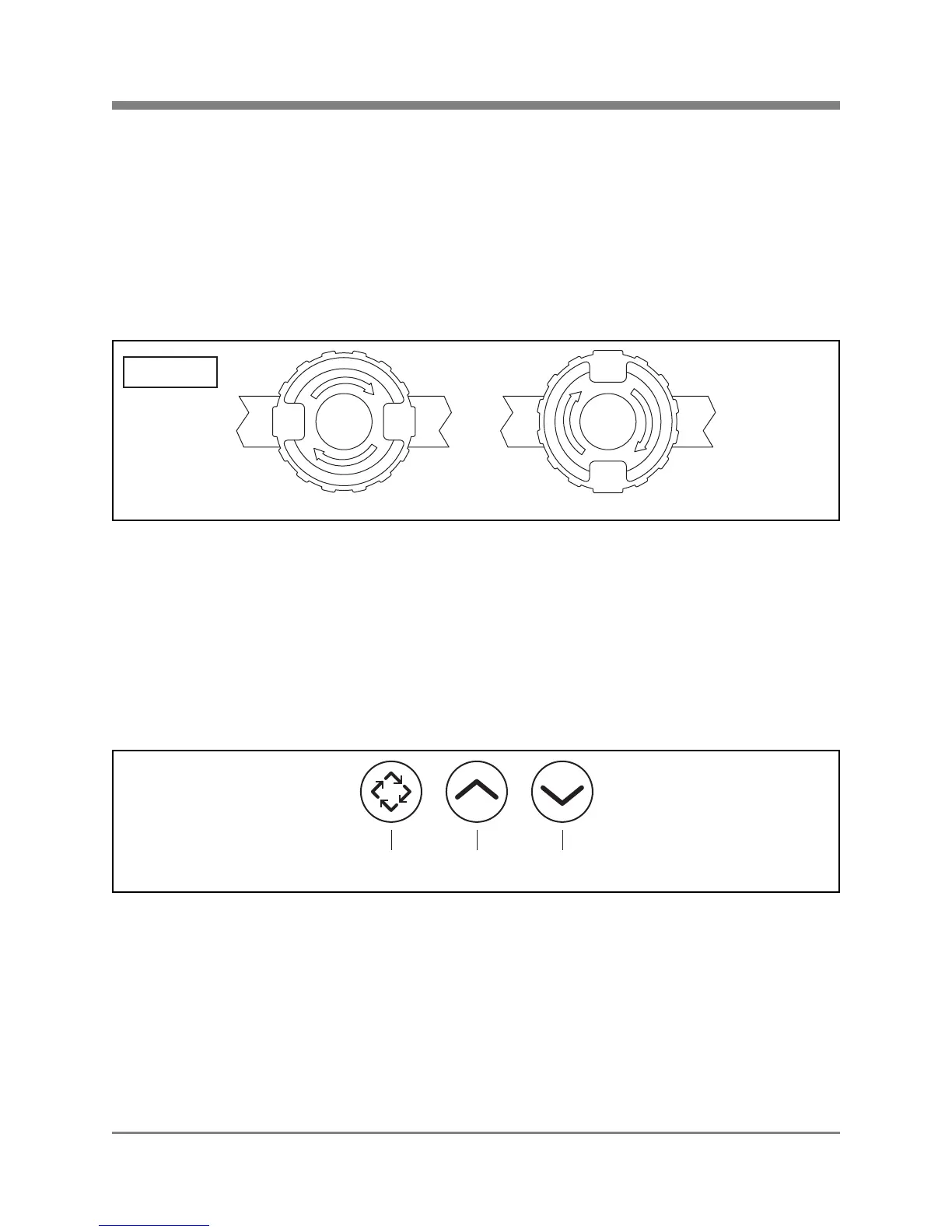
Figure 7
Step 1: Setting the Valve
1. Press and hold the UP or DOWN button to change the clock to 12:01 PM.
2. Press the EXTRA CYCLE button once.
3. Press and hold the UP and DOWN buttons together, until DF is displayed in the left corner. Scroll
using the UP and DOWN arrows until "GAL" is selected. Press EXTRA CYCLE.
4. Follow the steps in the table below to finish setting the valve. When each setting is displayed, use
the UP and DOWN buttons to scroll to the appropriate data setting displayed in the table. Press
EXTRA CYCLE to select the data setting and go to the next setting.
Side View
Bypass Valve in open position Bypass Valve in bypass position
B
Y
P
A
S
S
B
Y
P
A
S
S
B
Y
P
A
S
S
B
Y
P
A
S
S
B
Y
P
A
S
S
B
Y
P
A
S
S
B
Y
P
A
S
S
B
Y
P
A
S
S
Extra Cycle
Button
Up
Button
Down
Button



 To Next Page