Page 5
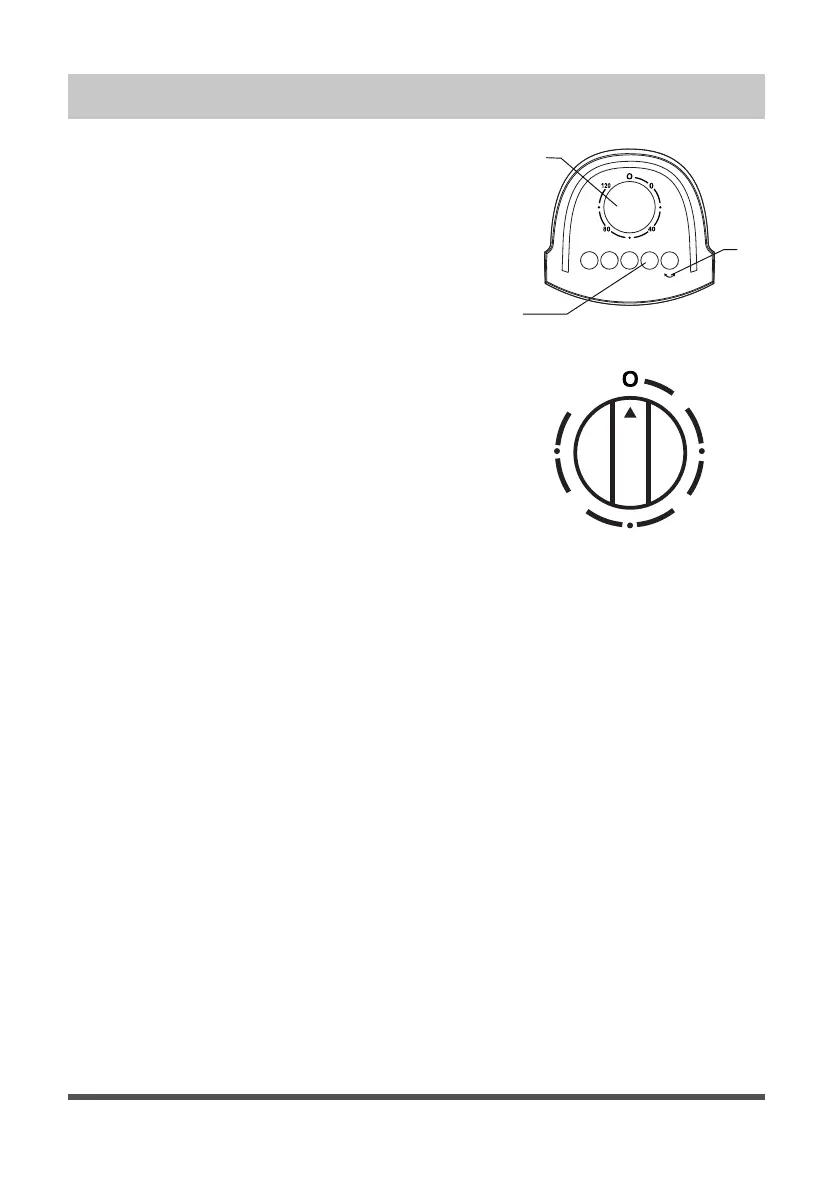
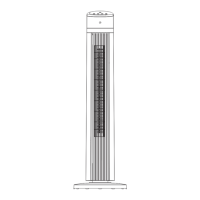
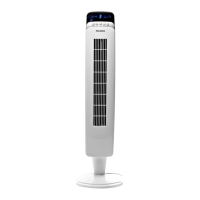
a. Control features:
1. Timer
2. Body oscillating switch
3. Speed switch
b. Instructions:
1. Plug the power cord into a wall outlet.
2. The air flow can be angled to the left
or right by pushing the button of body
oscillating switch (2). If you want to stop
angling, push it again.
3. Automatic 120-minute timer. Turn the knob
of the timer (1) to the desired time the
fan will stop when the time is done. The
longest timer setting is 120 minutes. If the
timer is not in use, set the timer to “
0
“.
4. Speed is controlled by pushing speed
switch (3) on the top of the body. There
are 4 positions:
0 - Off; 1 - Low; 2 - Medium; 3 - High
OPERATION INSTRUCTIONS
0
4080
120
1
2
3
0123



 To Next Page