3.7.5.4 PEEP ( Positive End Expiratory Pressure)
The AV-S ventilator includes a microprocessor-
controlled, electronically integrated PEEP system,
regulated using secondary pressure on exhaust
diaphragm.
The ventilator controls PEEP by allowing flow from, or
delivering flow into the bellows drive circuit, maintaining
pressure
PEEP is electronically controlled
Variable from 4-30 cmH2O in increments of 1 cmH2O
Clear “OFF” indication when not in use
Switch off the ventilator - PEEP is switched off.
PEEP is switched off during 'Spont' mode to minimise patient’s
breathing effort.
Selecting PEEP
Select by touching the screen tab PEEP, or using the
navigator wheel
The setting will flash.
Rotate the navigator wheel to set the required PEEP
pressure.
A confirm message will be displayed.
Press the Screen Tab, or Wheel to confirm.
Note that Electronic PEEP does not function in
Spontaneous Mode.
PEEP on/off sequence
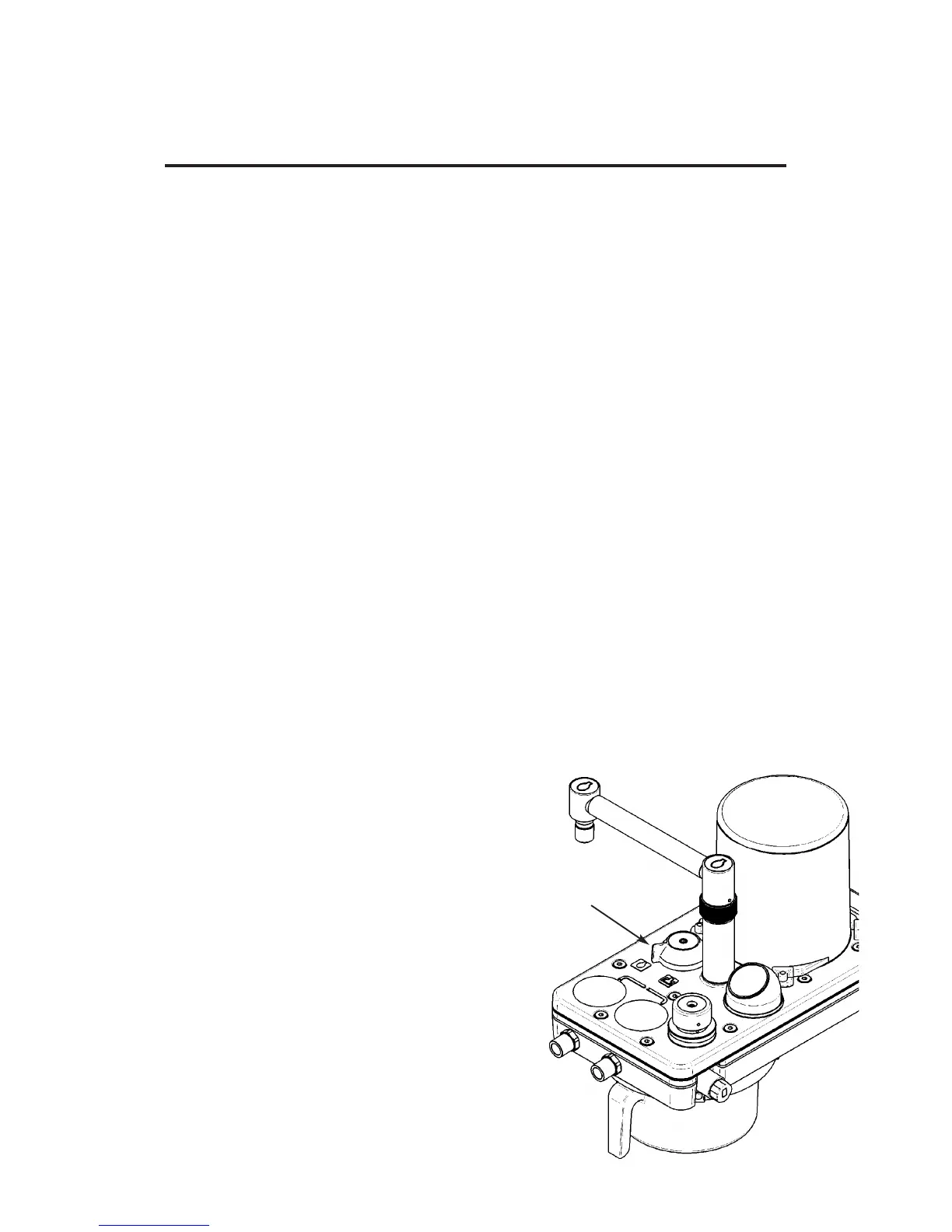
Using the A200SP Absorber Interface - Ventilator
Mode Selection
1. Ventilator is in Volume Ventilation Mode
2. PEEP selected, pressure set to required level.
PEEP display indicates pressure
3. A200SP Absorber Bag/Vent control (A) is moved
to ‘Bag’ position.
Ventilator automatically switches to Spontaneous
Mode.
PEEP is automatically switched off (does not
function in Spontaneous Mode)
PEEP display is blank.
4. Bag/Vent control reset to ‘Vent’ position.
Ventilator automatically switches to the mode
previously set by the user.
PEEP is Off.
PEEP display indicates Off.
5. Set ventilator to Volume Ventilation Mode.
PEEP remains Off.
Select PEEP if required.
DESCRIPTION
27
A


 To Next Page