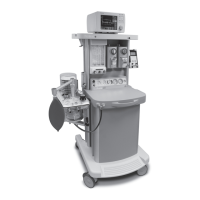
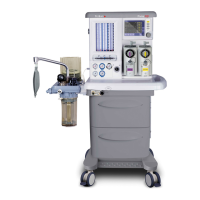
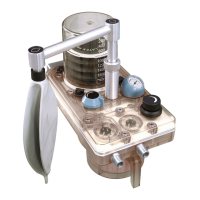
Prma 465 Anaesthetc Machne 38 User Manual
Installation and Pre-use Checks
Oxygen cylnder hgh pressure leak test
1 Set the anaesthesa system swtch to the OFF poston
2 Make a record of the current cylnder pressure
3 lose the O cylnder valve
4 Make a record of the cylnder pressure after two mnutes
5 If the cylnder pressure decreases more than 700 kPa (100
ps), nstall a new cylnder seal
6 Repeat steps 1 through 5
If the leak contnues, contact a Penlon-traned engneer
Do not use the cylnder supply system
Ntrous oxde cylnder hgh pressure leak test
1 Open the NO cylnder
2 Make a record of the current NO cylnder pressure
3 lose the NO cylnder valve
4 Make a record of the NO cylnder pressure after one
mnute
5 If the cylnder pressure decreases more than 700 kPa (100
ps), nstall a new cylnder seal (see secton 5172)
6 Open the NO cylnder valve and repeat steps 1 through 5
If the leak contnues, contact a Penlon-traned engneer
Do not use the cylnder supply system
7 onnect the NO ppelne
8 onnect the O ppelne
Oxygen verfcaton
1 Set the anaesthesa system swtch to the ON poston
2 Ext the patent screen
3 onnect the y-pece to the test lung
4 Set the bag/vent swtch to the vent poston
5 Use the O flush button to fll the bellows
6 Press the Start/Standby button
7 Make sure that the system s n Ventlaton mode
8 Set the as mx dsplay to show O/NO
9 Set the concentraton to 50
10 Set the F Flow to 5 L
11 Observe the FIO value heck that FIO reduces to
between 45 and 55
12 If FIO does not reduce, calbrate the O sensor (secton
76)


 To Next Page