Prma 465 Anaesthetc Machne 70 User Manual
Operating the Anaesthesia System
6.15 Ventilation mode
WARNIN
Before clncal use, check that all connectons are secure
and that the pre-operaton tests are completed
If any tests faled, do not use the system Refer the
workstaton to a Penlon-traned servce engneer for repar
6.15.1 Bag ventilation mode
1 Turn the APL valve control to adust the pressure n the
breathng system wthn the approprate range
2 Set the bag/mechancal ventlaton swtch to the Bag
poston The ventlaton mode prompt area dsplays the
con for manual ventlaton mode
Note Automatc mode swtchng between manual and
mechancal ventlaton s descrbed n secton 3101
3 Press the O flush button to nflate the bag f necessary
In manual ventlaton mode, you can use the APL valve
to adust the breathng system pressure lmt and gas
volume n the manual bag
When the pressure n the breathng system reaches the
pressure lmt set for the APL valve, the valve opens to
release excess gas
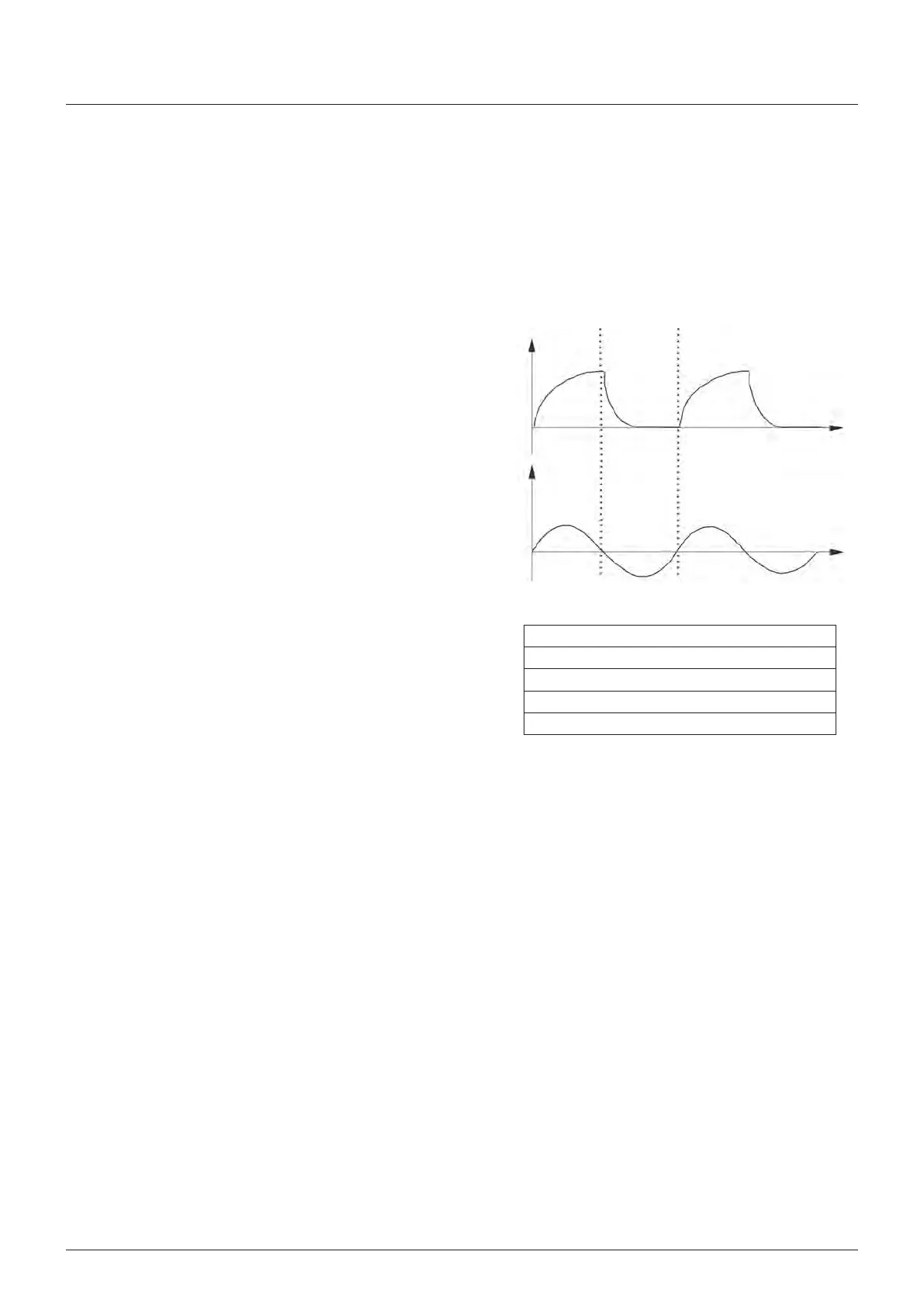
4 The fgures show the Paw waveform and flow waveform n
the manual ventlaton mode
6.15.2 Mechanical ventilation mode
1 heck that the system s n Standby mode
2 Set the approprate pressure hgh alarm value n the
parameter setup
3 Set the bag/mechancal ventlaton swtch to the
Ventlator poston
4 If necessary, press the O flush button to nflate the
bellows
AUTION
heck the parameters are set to approprate values before
startng ventlaton
5 To start mechancal ventlaton, press the Start/Standby
button
Key
A Arway pressure
B Flow
Tme nspraton
D Tme Expraton
D
A
B



 To Next Page