41
Place the other flash unit(s) at the desired
location(s).
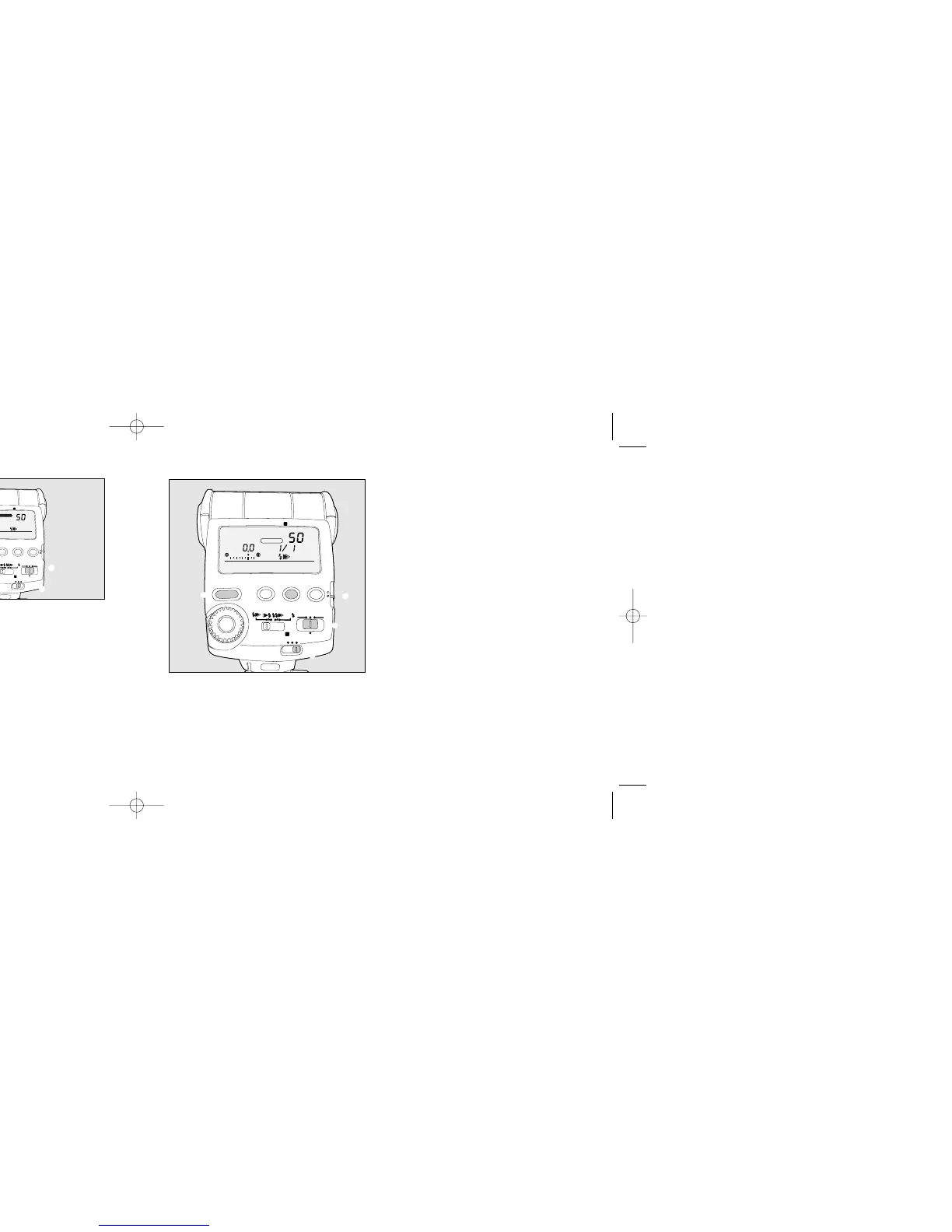
q Set the power switch to WIRELESS.
w Set the wireless mode switch to slave [S].
e Slide down the setting switch to [yellow dot].
Next, press the channel button [CH] and set
the same channel as the AF360FGZ being
attached then slide the setting switch back
up.
r Press the flash mode button and set to P-
TTL.
t Set the zoom position with Manual [M.
Zoom].
Check that the flash unit on the camera and the
slave flash unit(s) are ready, then take the
picture.
• The two flash units must be set to the same
channel otherwise the flash unit separated
from the camera will not fire.
40
Attach the AF360FGZ flash unit to the camera.
Set the flash unit's power switch to WIRELESS.
q Set the flash power switch to [WIRELESS]
w Set the WIRELESS mode switch to [C].
• This flash unit will operate only to trigger the
other flash unit to fire. It will not fire a real flash
itself.



 To Next Page