45
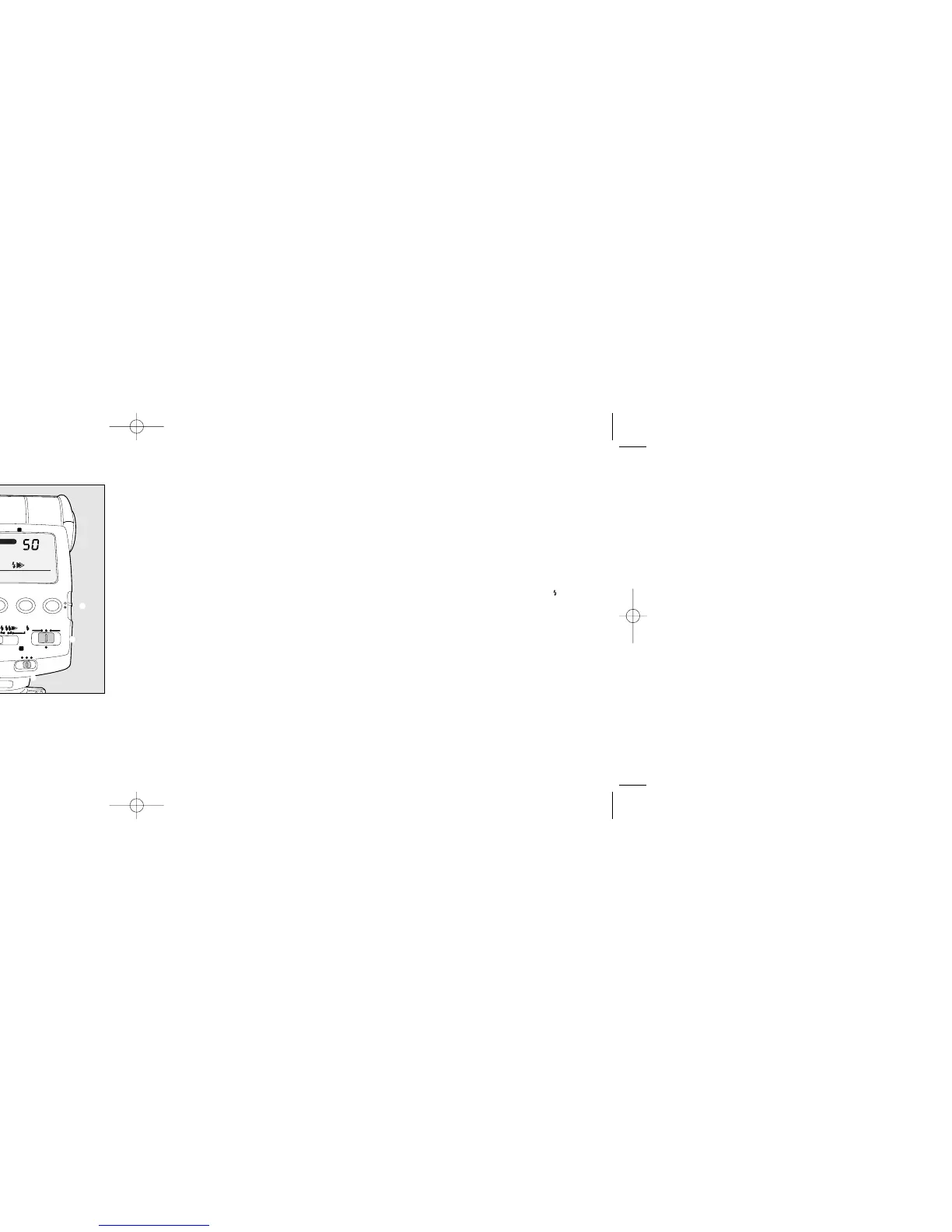
Set the WIRELESS mode switch to [S].
[SLAVE] will be appeared on the LCD panel.
Slide down the setting switch to the [yellow
dot]. Then press the [CH.] channel button to set
the channel (1 to 4) to be used. Slide the
setting switch up.
After setting the channel, attach the flash unit
to the camera’s hot shoe and turn on the
camera. Press the shutter button halfway. The
camera’s flash channel will then be set.
Press the flash mode button and set the flash
mode to P-TTL.
Place the flash unit at the desired location.
Set the zoom position with Manual [M. Zoom].
44
■ Procedure
Set the flash unit’s power switch to WIRELESS.
1
2
9
3
4
5
6
7
8
Set the camera's exposure mode to other than
the Progrommed AE mode and ready the built-
in flash. While pressing the camera’s flash
function button, turn the select dial until WHS
appears.
Confirm that the camera's built-in flash is ready
and then take a picture.
• It is possible to use the AF360FGZ in place of
the built-in flash.
The setting method is similar to pages 40 and
41. However, set both flash unit’s sync mode
selection switch to high-speed sync [ ].
• P-TTL flash mode will be set when the shutter
speed is slower than X-sync speed.
High-speed-sync mode is set only when the
shutter speed exceeds X-sync speed.
• The built-in flash will always be the control
flash and not the main flash to fire.
• Please refer to the camera Operating Manual
for camera operations.
Using with the camera’s built-in flash.
Wireless high-speed-sync is used.
9
7
5
1
3
2
PENTAX AF360 FGZ/1 BODY 4/15/03 11:26 AM Page 44



 To Next Page