172
5
Function Reference
7
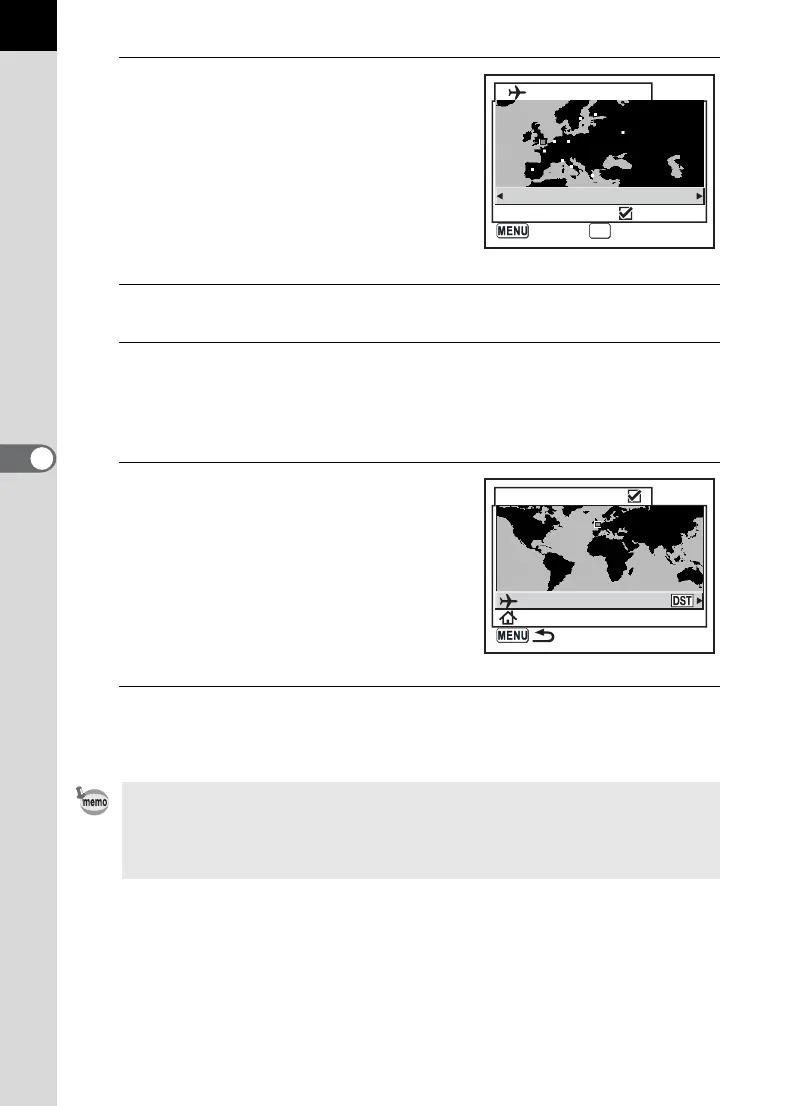
Use the four-way controller
(op) to select the Destination
city.
The current time, location and time
difference of the selected city appears.
8
Use the four-way controller (n) to select [DST].
9
Use the four-way controller (op) to select O (On) or P
(Off).
Select O (On) if the Destination city uses daylight saving time (DST).
10
Press the 4 button.
The World Time setting is saved.
To continue with World Time setting
operations, press the 4 button to
return to the World Time screen.
11
Press the 3 button twice.
The camera is ready to take pictures.
• See “List of World Time Cities” (p.173) for cities that can be specified as a
destination.
• Select W in Step 4 to set the city and DST setting.
• X appears on the guide display screen if World Time is On (O). (p.16)
Destination
London
DST
05:25
+05:00
OK
OKCancel
World Time
London
New York
01:25



 To Next Page
 Loading...










