7 Introduction
Camera Buttons
English
The Scene Button
The camera is equipped with a convenient SCENE button that takes you to the Scene Menu where you
can scroll between different modes and choose different scene options. Use the Left/Right/Up/Down
navigation buttons to scroll and use the OK button to select. Use the SCENE button to:
Left/Macro
1. Move left in the OSD menus
2. Go up to the previous level in the OSD menus
3. In Capture mode:
• Press to enable Macro mode. Macro icon displays on the
LCD screen
• Press to pan left in AF area selection
4. In Playback mode:
• Press to pan left in zoom in mode
• Press to navigate to previous image in image display
• Press to move left in the thumbnail display
• Press to fast rewind video playback during Pause
mode
5. In USB mode:
• MSDC: N/A
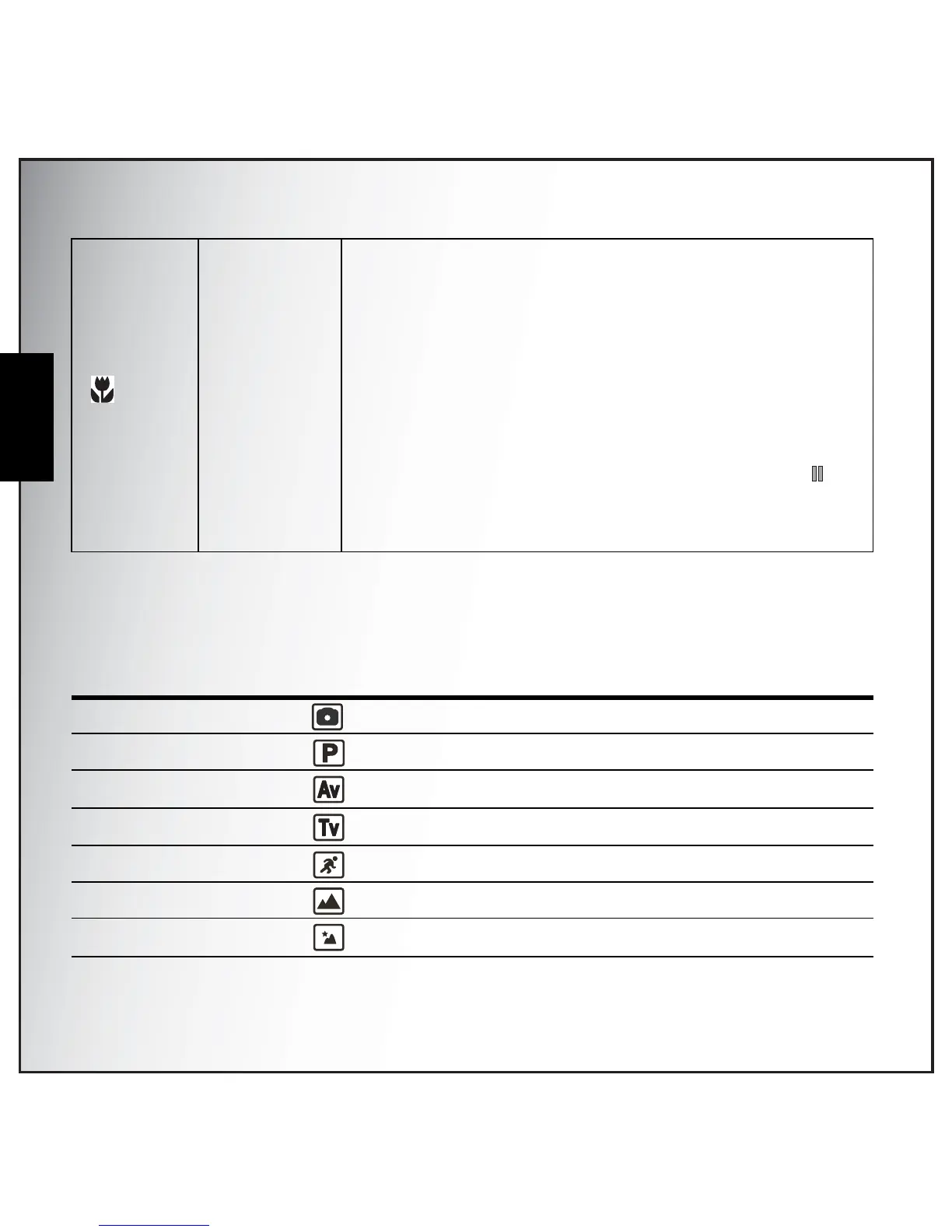
Mode Type Icon Function
Auto Scroll to Auto mode.
P-Mode
(Program Mode)
Scroll to Program mode.
Av (Aperture Priority) Scroll to Aperture Priority mode.
Tv (Shutter Priority) Scroll to Shutter Priority mode.
Sport Scroll to Sport mode.
Landscape Scroll to Landscape mode.
Night Landscape Scroll to Night Landscape mode.



 To Next Page