Capture Settings 30
Video Capture Menu
English
Setup
See “The Setup Menu” on page 43 for more details on the setup menu options.
Video Capture Menu
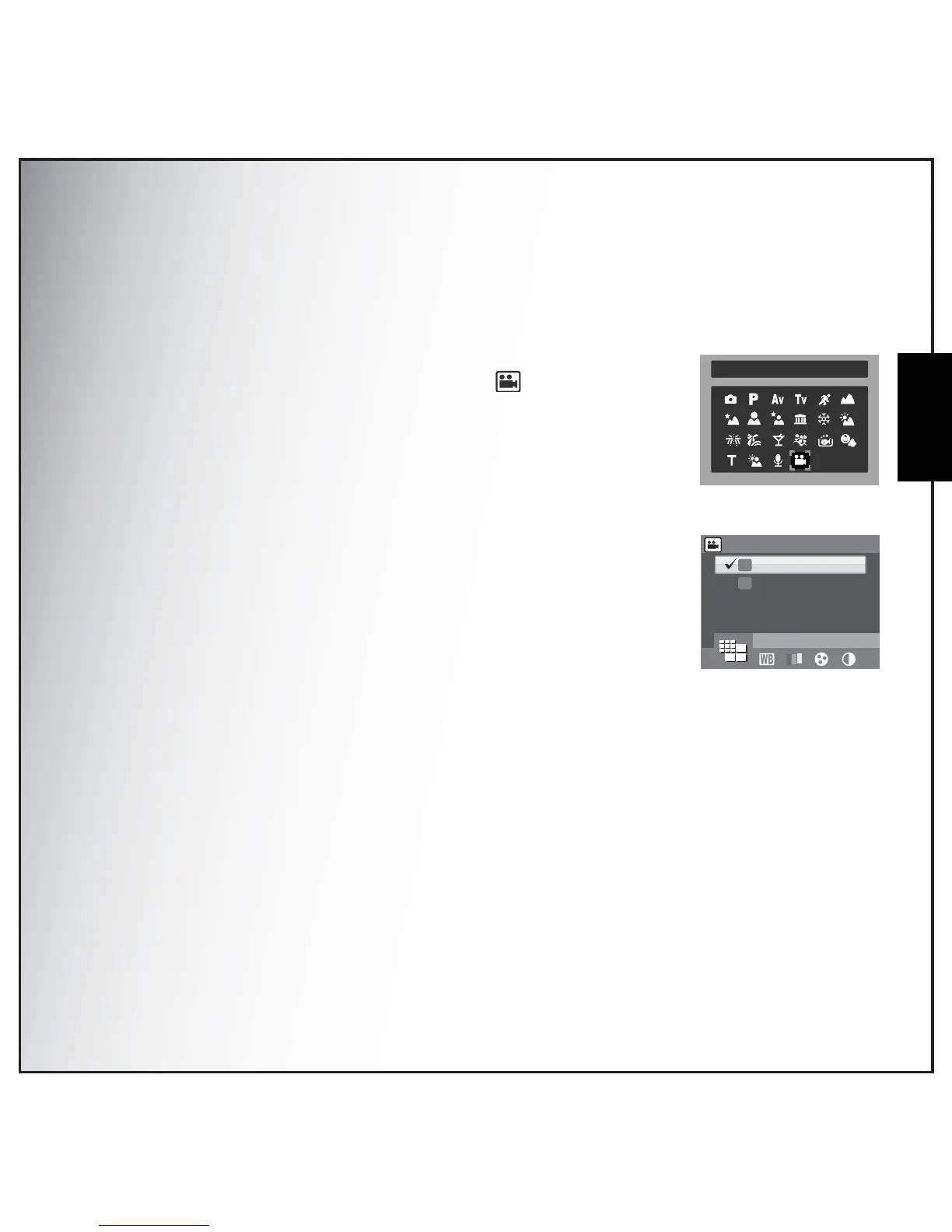
To access the video menu:
1. Press the SCENE button and scroll to Video mode and press the
OK button to enable the Video function. Press again to enable the
Anti-shake function.
2. Press the MENU button to display the menu options.
3. Refer to the following sections for more detailed information about
each setting.
Video Resolution
The Video Resolution setting allows you to adjust the resolution at which
your videos are recorded. 2 video size settings are available:
• 640X480(default)
• 320X240
White Balance
See “White Balance” on page 28 for more details on the setup menu options.
Color
See “Color” on page 29 for more details on the setup menu options.
Saturation
See “Saturation” on page 29 for more details on the setup menu options.
Contrast
See “Contrast” on page 29 for more details on the setup menu options.
Video



 To Next Page