102
6
Playback/Deleting/Editing
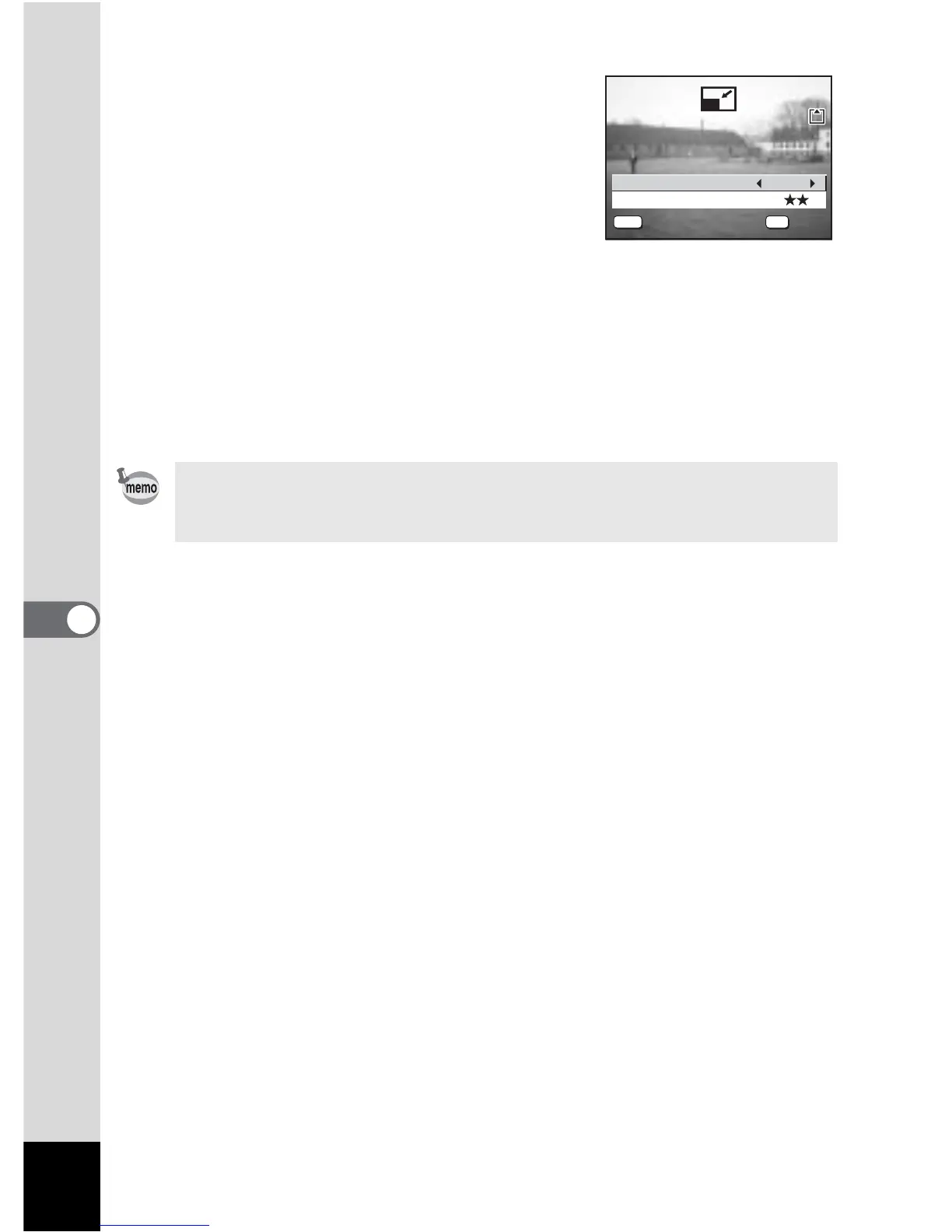
6 Use the four-way controller (45)
to change the recorded pixels.
7 Press the four-way controller (3).
The frame moves to [Quality Level].
8 Use the four-way controller (45)
to change the quality.
9 Press the OK button.
10 Use the four-way controller (23) to select [Overwrite]
or [Save as].
11 Press the OK button.
The resized image is saved.
• Moving pictures cannot be resized.
• You cannot select a larger size than that of the original image.
• You cannot select a higher quality than that of the original image.
Recorded Pixels
1600
Quality Level
Select resolution and


 To Next Page
 Loading...





