65
Taking Pictures
4
-
You can set the recorded pixels and quality together in Auto Select
Mode. The combination of recorded pixels and quality for each setting is
shown below.
Image Quality
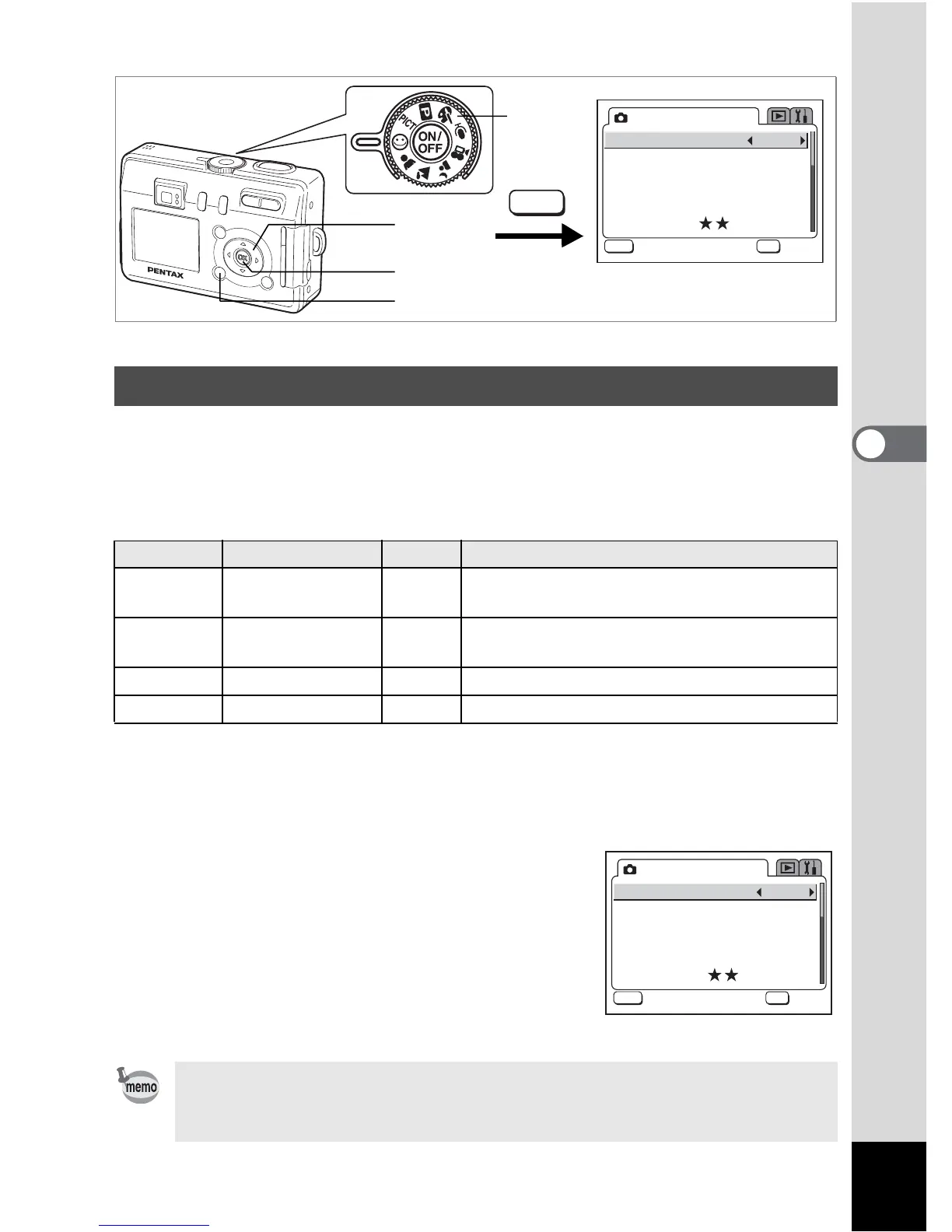
1 Set the mode dial to -.
2 Press the MENU button in Capture mode.
The [A Rec. Mode] menu appears.
3 Use the four-way controller (23)
to select [Image Quality].
4 Use the four-way controller (45)
to change the setting.
5 Press the OK button.
The camera is ready to take the picture.
Selecting the Image Quality
Setting
Recorded Pixels
Quality Use
Superior
2304×1728 (S40)
2048×1536 (S30)
C
Suitable for printing on large paper
(such as A4)
Super 2048×1536 D
Suitable for printing on paper slightly larger
than a postcard
Normal 1600×1200 D Suitable for printing ordinary-sized photos
Economy 640×480 D Suitable for viewing on a computer
The Image Quality function is only available in - (Auto Select) mode. In
other modes, set the recorded pixels and quality level separately.
(1p.63, 64)
2
3, 4
Image Quality
Rec. Mode
Super
MENU
OK
OK









 To Next Page