63
Taking Pictures
4
d R + . H =
You can choose the number of recorded pixels from [2304×1728] (For
only S40), [2048×1536], [1600×1200], [1024×768] and [640×480].
The more pixels there are, the larger the picture and the bigger the file size.
The data volume also varies depending on the quality level setting (1p.64).
Recorded Pixels
∗ For only S40.
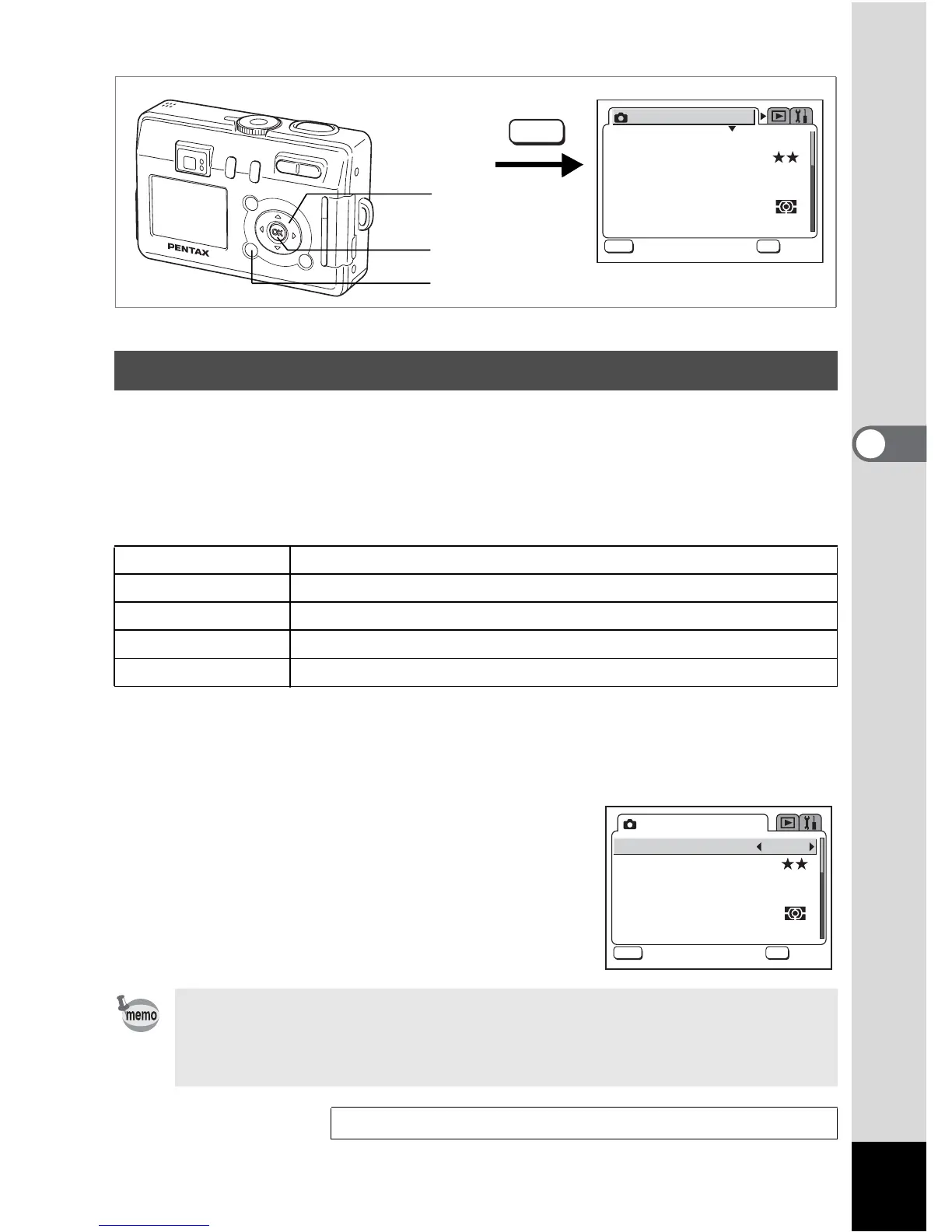
1 Press the MENU button in Capture mode.
The [A Rec. Mode] menu appears.
2 Use the four-way controller (23)
to select [Recorded Pixels].
3 Use the four-way controller (45)
to change the size.
4 Press the OK button.
The camera is ready to take the picture.
Selecting the Recorded Pixels
2304 ×1728∗ Suitable for printing on A4 paper (8 1/2 in. × 11 1/2 in.)
2048 ×1536 Suitable for printing on A5 paper
1600 ×1200 Suitable for printing on paper slightly larger than a postcard
1024 ×768 Suitable for printing on postcards
640×480 Suitable for attaching to e-mails or creating websites
• The number of recorded pixels is fixed at [320×240] in Moving Picture
mode or Marine Moving Picture mode.
• Selecting a large size produces a clear picture when it is printed out.
• The Recorded Pixels setting is saved when the camera is turned off.
Recorded Pixels and Quality 1p.19
1
2, 3
4
AWB
2304
Recorded Pixels
Quality Level
Focusing Area
Multi
Auto
AE Metering
Sensitivity
Rec. Mode
MENU
OK
OK









 To Next Page