50
Taking Pictures
4
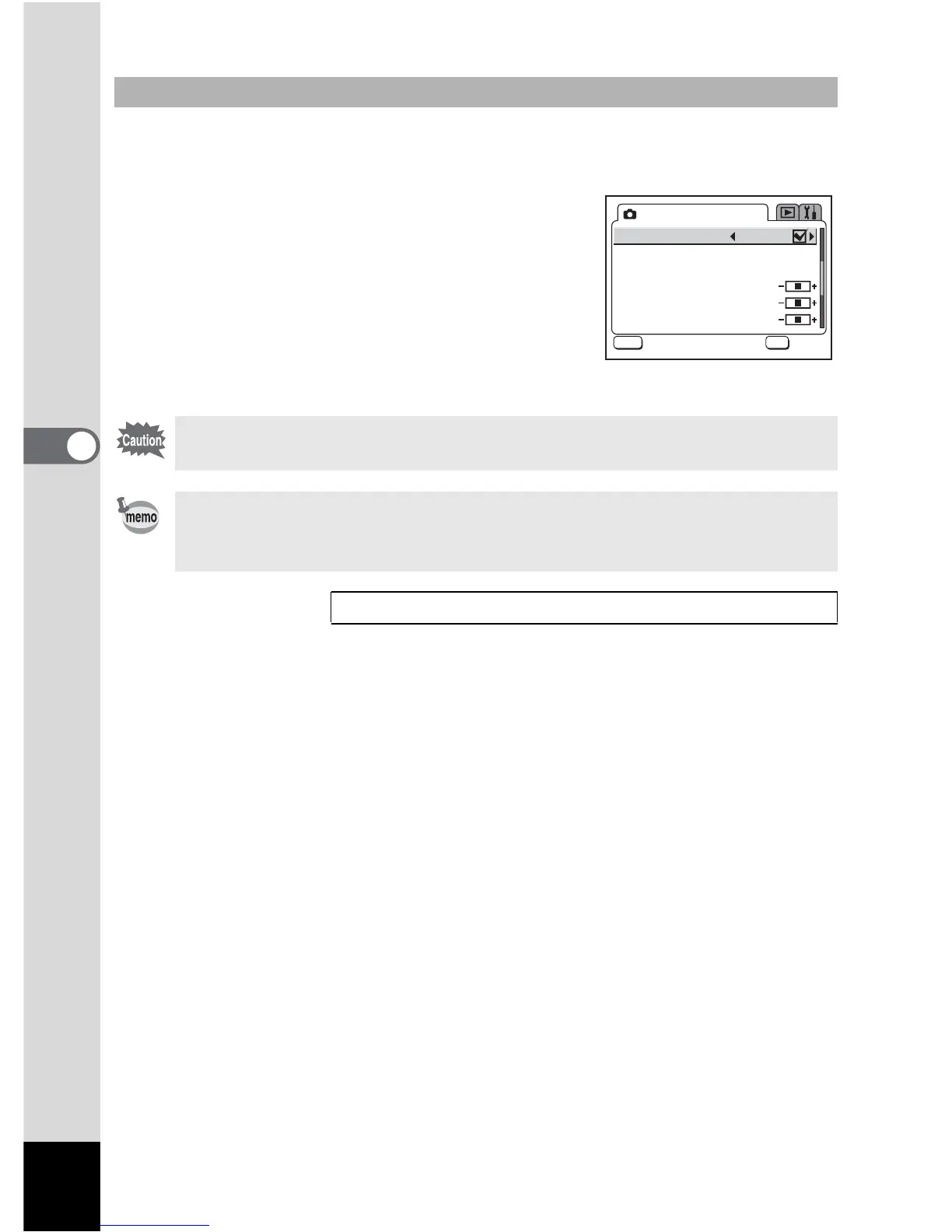
1 Press the MENU button in Capture mode.
The [A Rec. Mode] menu appears.
2 Use the four-way controller (23)
to select [Digital Zoom].
3 Use the four-way controller (45)
to select P(Off).
4 Press the OK button.
The camera is ready to take pictures.
Disabling the Digital Zoom Function
The digital zoom is disabled when you turn the LCD monitor off, even if
the digital zoom function is set to On.
• You should compose the picture on the LCD monitor when you use the
digital zoom function.
• The default setting for the digital zoom is O (On).
Saving the Digital Zoom Function Setting 1p.76
Digital Zoom
Instant Review
Memory
Sharpness
Saturation
Contrast
Rec. Mode
MENU
OK
OK









 To Next Page