57
Taking Pictures
4
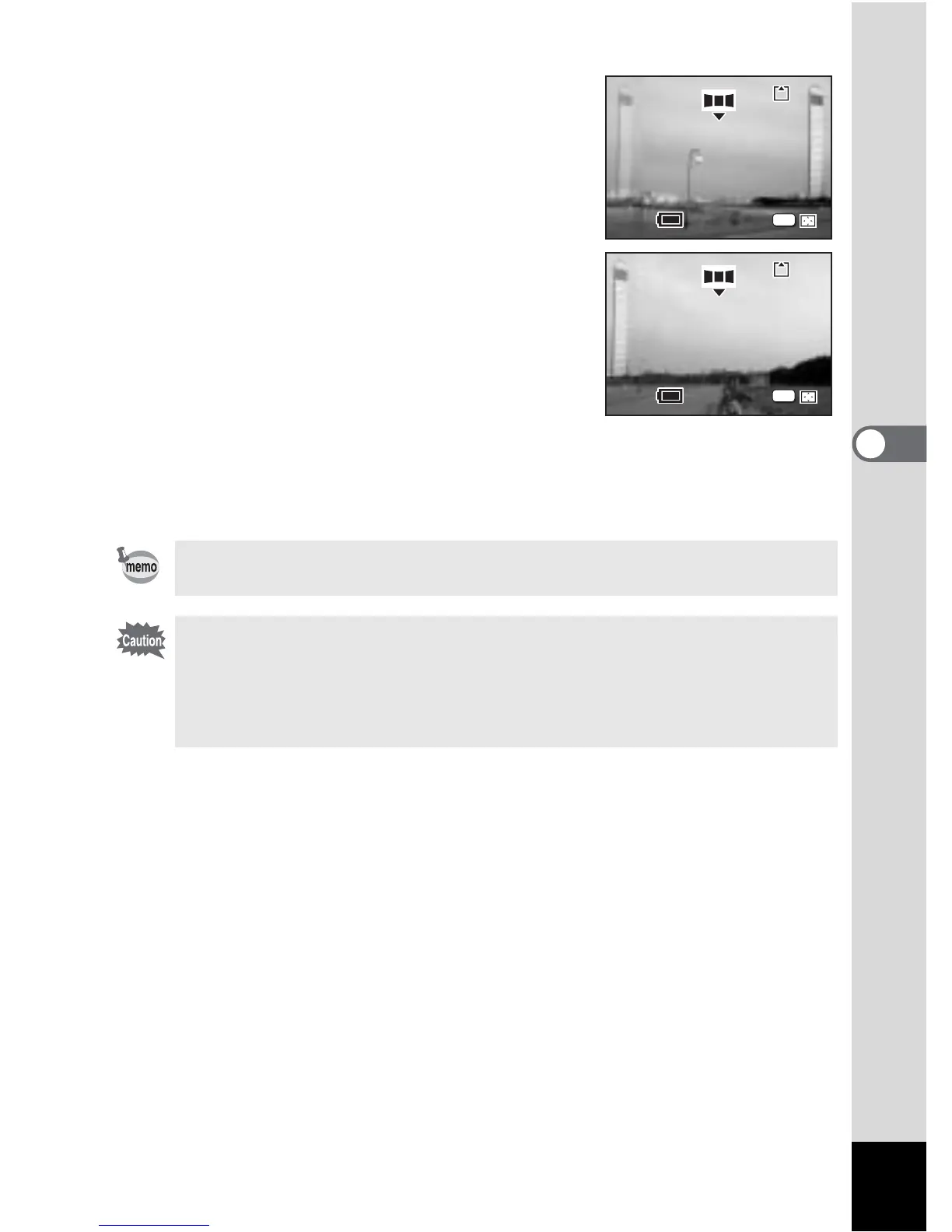
6 Take the first image.
Press the shutter release button to take the
first image. The right edge of the image
appears in semi-transparent form on the left
of the LCD monitor.
7 Move the camera to the right and
take the second image.
Move the camera until the semi-transparent
image and the actual view overlap and
press the shutter release button. Repeat
Steps 6 and 7 to take the third and
subsequent images.
8 Press the OK button.
The screen returns to Step 5.
To cancel Panorama Assist mode, change to another mode.
• The camera cannot join the images. Use the panorama software
supplied with the camera (ACDSee for PENTAX, ACD Photostitcher).
Refer to “Viewing Digital Camera Images on a PC” for instructions on
creating panorama pictures.
• Continuous shooting is not possible in Panorama Assist.
11









 To Next Page