69
Taking Pictures
4
A B C F GDE
The picture will be taken 10 seconds after the shutter release button is
pressed.
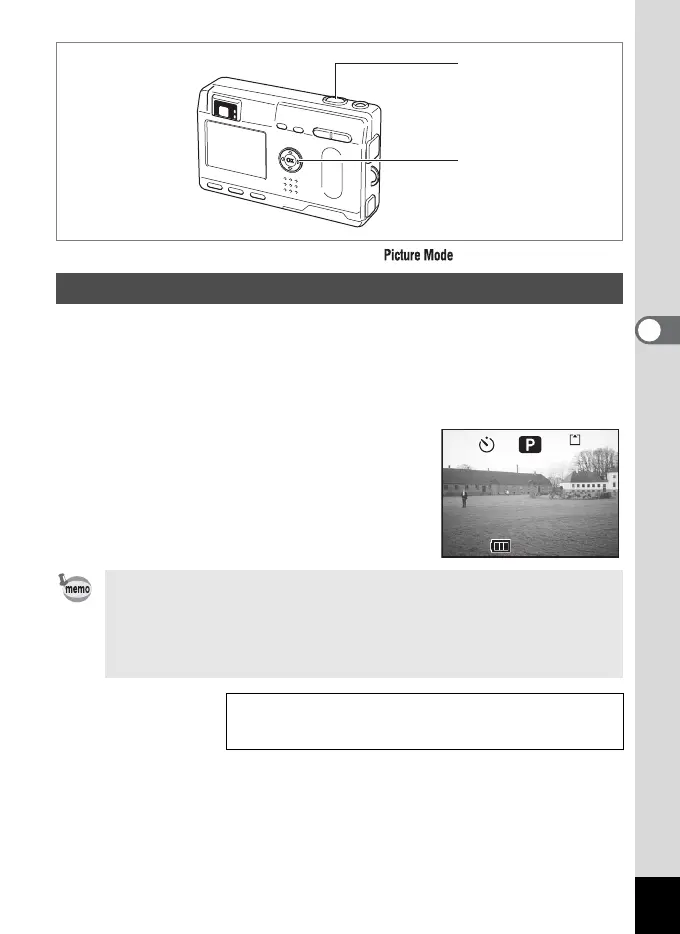
1 Press the four-way controller (2) in Capture mode to
display
g on the LCD monitor.
2 Press the shutter release button.
The self-timer is engaged and the self-timer
lamp lights. The picture is taken
approximately 3 seconds after the self-timer
lamp starts to blink.
Using the Self-Timer
• If you turn the LCD monitor on, the second count will be displayed.
• To cancel the self-timer, press the four-way controller or the Menu
button while the second count is displayed.
• In 3D Image mode, both the first and second images will be taken
with the self-timer engaged.
Playing Back Still Pictures 1 p.24
Taking a Picture of Yourself
1 p.54
2
1
198
198
11:19
11:19
10/20/2003
10/20/2003












 To Next Page