85
6
Playback/Erasing/Editing
If an image has a voice memo, you can erase the voice memo without
erasing the image.
1 Enter the Playback mode and choose the image with
the voice memo that you want to erase with the four-
way controller (
45).
2 Press the i button.
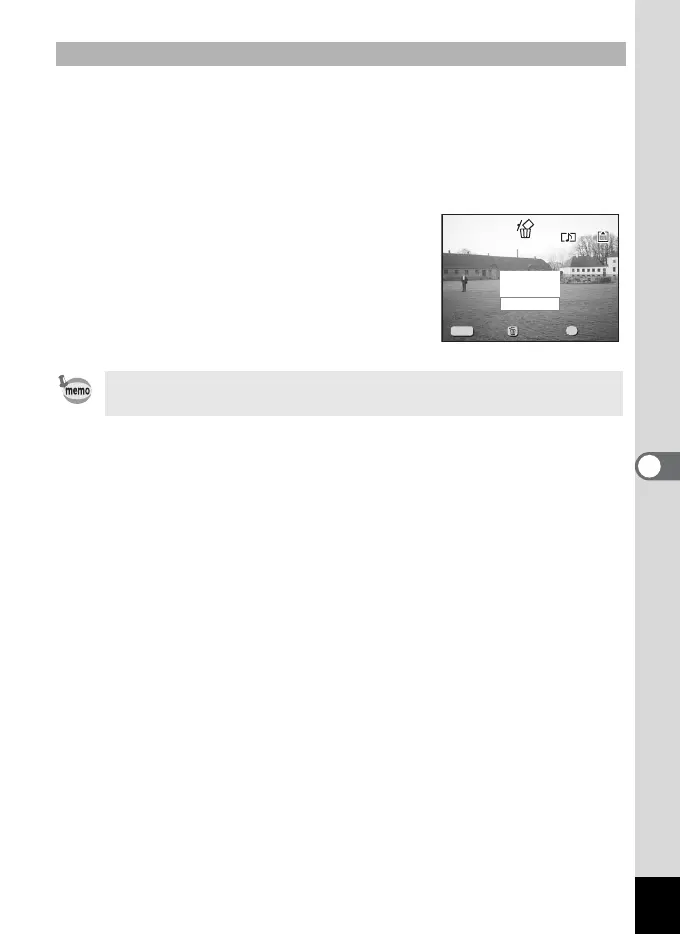
The Delete screen will be displayed.
3 Select [Sound Delete] with the
four-way controller (
2).
4 Press the OK button.
Erasing a Voice Memo only
• Select [Delete] in step 3 above to erase both the image and the
voice memo.
100-0020
100-0020
Cancel
Delete
Sound Delete
Exit
Ok
Exit Ok
OK
MENU
All Images & Sounds
All Images & Sounds












 To Next Page