142
6
Playback/Deleting/Editing
7 Use the four-way controller (45)
to choose the frame you want to
save.
8 Press the OK button.
The selected frame is saved as a still
picture.
5 Select [Divide Movies] on the Movie Edit screen.
6 Press the OK button.
The screen for choosing the dividing position appears.
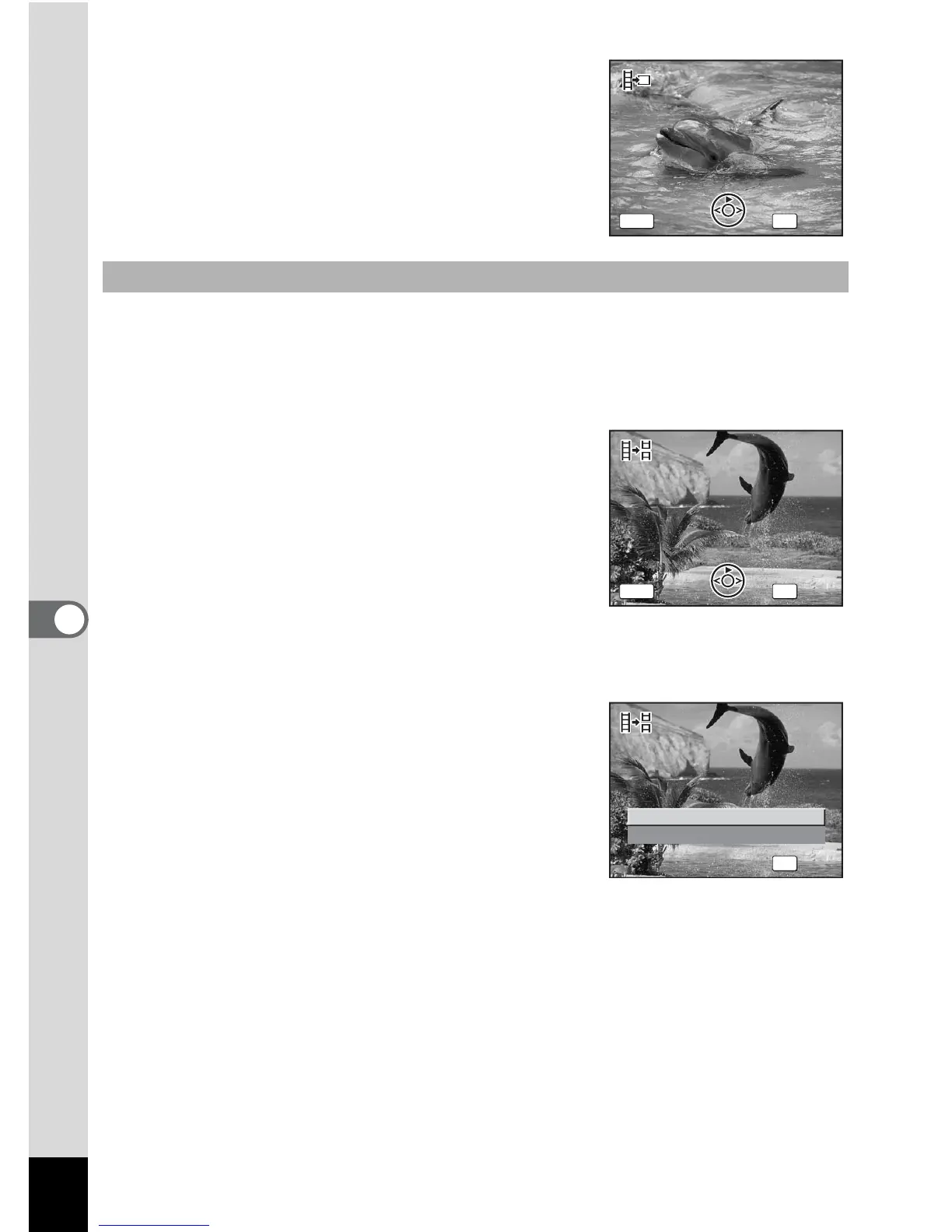
7 Use the four-way controller
(2345) to determine the
dividing position.
2 : Plays the movie
3 : Stops the movie
4 : Reverses the movie frame by frame
(available only during pause)
5 : Advances the movie frame by frame
(available only during pause)
8 Press the OK button.
The confirmation screen appears.
9 Use the four-way controller (23)
to select [Divide].
10 Press the OK button.
The movie is divided at the specified
position and the two portions are saved as
separate files.
Dividing a Movie
Select image to save










 To Next Page