3
43
Shooting
Using Exposure Compensation
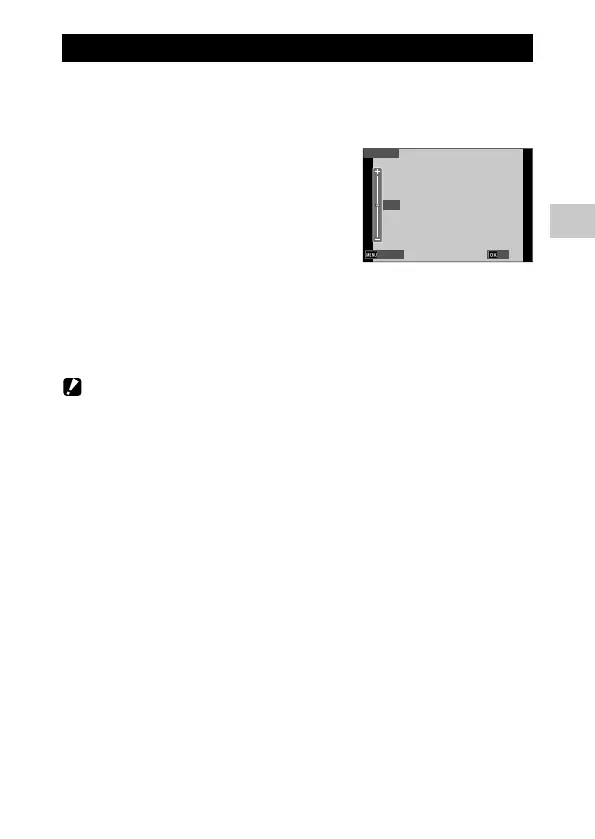
1 Select [EV Comp.] in the A menu, and press d.
The [EV Comp.] screen appears.
2 Use ab to select a compensation
value.
The compensation value can be selected in
the range of ±2.0.
3 Press e.
4 Press f.
The shooting screen reappears.
Caution -------------------------------------------------------------------------------------------------------
• The exposure compensation is not available in the S mode.
0.0
Cancel
OK











 To Next Page