5
Changing the Settings
83
Changing the Functions of the Green Button
You can change the functions activated when the green button is pressed.
The following functions can be saved.
Still images
• Green Mode (default setting)
• EV Comp.
• Recorded Pixels
• Quality Level
• Aspect Ratio
• White Balance
• ISO Setting
• AF
• Face Detection
• Auto Macro
• AE Metering
• Highlight Cor.
• Shadow Cor.
• Sharpness
• Saturation/Tone Adjustment
• Contrast
• Outdoor View
Movies
• Green Mode (default setting)
• Movie SR
• Movie SR+
• White Balance
• AF
• Face Detection
• EV Comp.
• Sharpness
• Saturation/Tone Adjustment
• Contrast
• Outdoor View
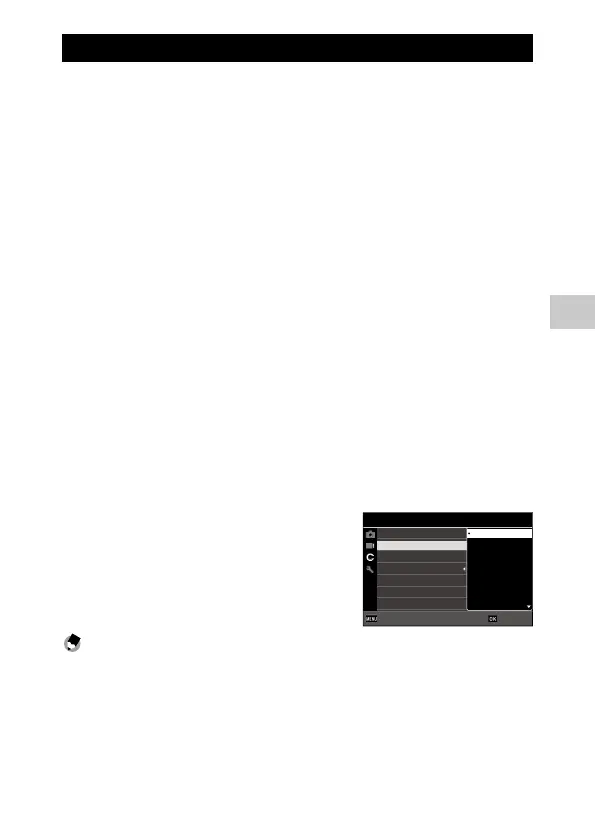
1 Select [Green Mode] in the D menu, and press d.
2 Use ab to select a function, and
press e.
The green button function is changed.
Memo ---------------------------------------------------------------------------------------------------------
• You can display the current green button function when the camera is turned on. Set [Start-up
Screen] to [Start-up screen with operation guide] in the C menu. (p.84)
• The function set to the green button is enabled in the shooting mode only.
2/4
Green Button
START DATE/TIME
Show folder at startup
Shut-down Screen
Confirm. Time
Quick Zoom
ADJ Button Setting 5
Customize
Green Mode
EV Comp.
Recorded Pixels
White Balance
Quality Level
OKOKCancelCancel
Aspect Ratio
ISO Setting











 To Next Page