Page | 10
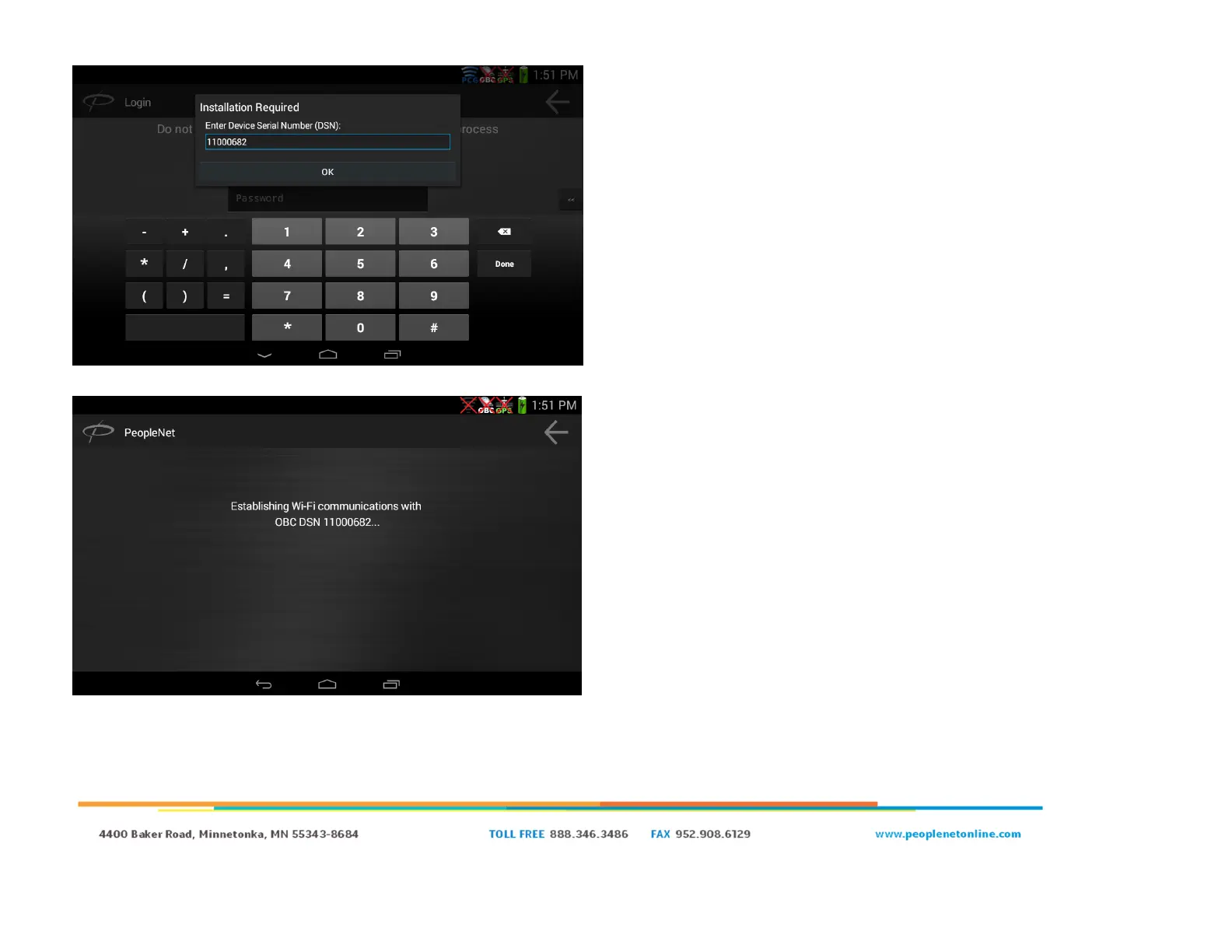
● Due to the reboot and the install not being complete yet, you will
be prompted to complete an installation again.
● Re-enter your OBC’s DSN and click “OK”
● The PD5 will attempt to do the same process as before; and
attempt to connect to the Wi-Fi network of the DSN you entered.
○ If it fails, verify the OBC is on and that the correct DSN
was entered.


 To Next Page