11
Search tuning FM (Seek station)
1. Press the POWER button to turn radio on.
2. Select FM band by pressing the SOURCE button as described.
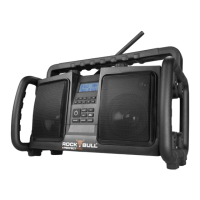
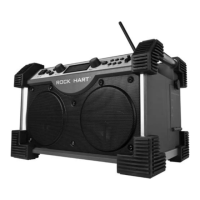
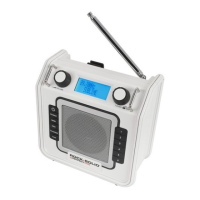
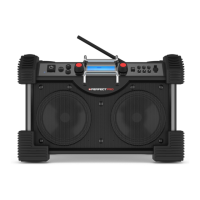
Stand up the FM rubber antenna properly to get best reception.
3. Press and release the Tuning/Seek knob, and the radio will seek
forward and stop automatically when it finds a radio station with
good signal.
4. The radio will seek forward for the next available station if pressing
down the Tuning control knob again.
2
1
3


 To Next Page