15
Inserting and removing memory devices
1. To insert an SD card into your radio, lift the rubber cover on the left
hand side of the radio up and slid the SD card into the SD card slot.
Press down the rubber cover. To remove the card push the card in
slightly and it will pop out allowing removal.
USB memory devices plug into the middle slot on the left hand side,
under the SD card slot.
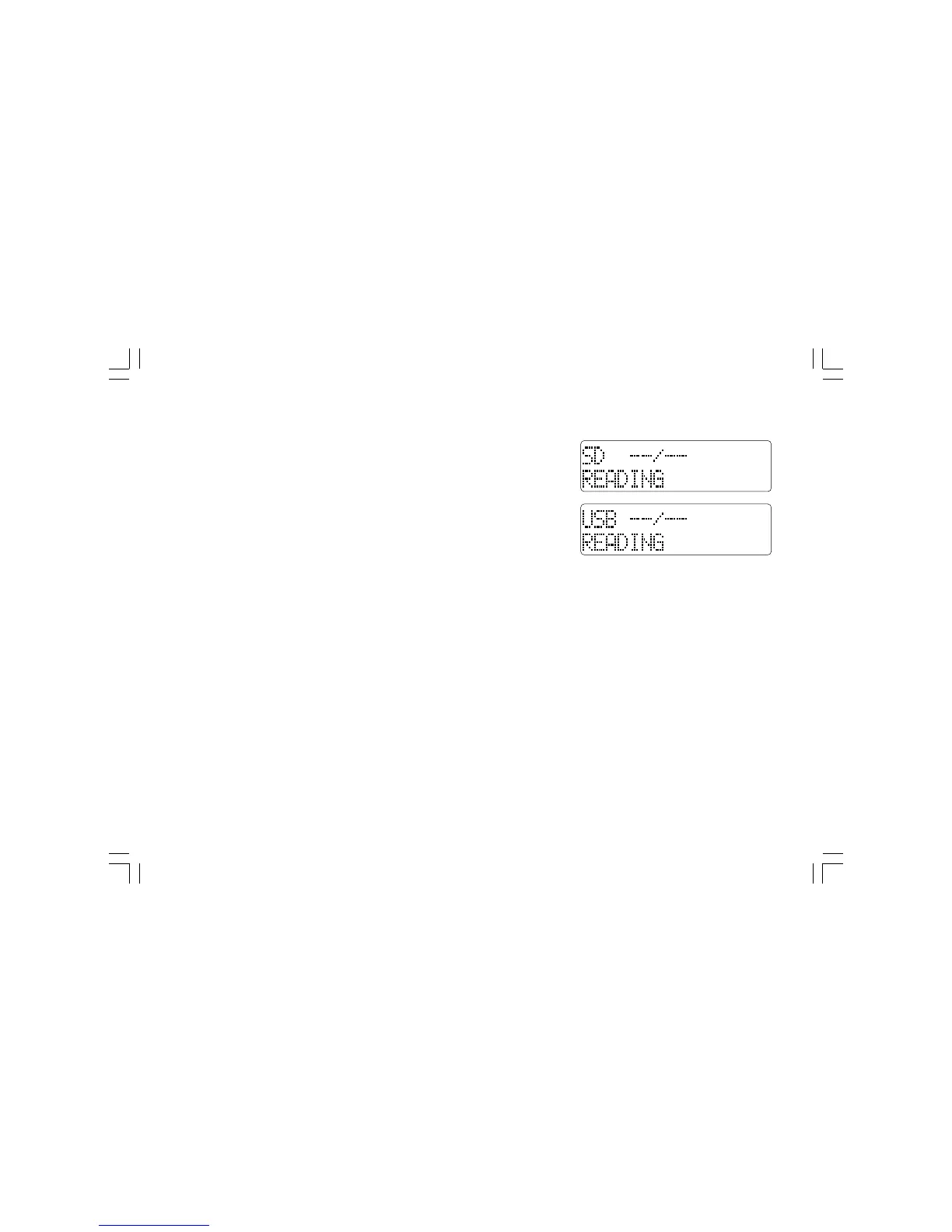
2. To select either SD card or USB mode press the Source button until
the desired mode is shown on the display.
Playing MP3 / WMA files – SD / USB
1. Press and release the Tuning control or Play/pause button (Preset 5)
to start playing from the SD card / USB memory device. The display
will show the first folder and file number.
2. To pause playing press the Play/Pause button. To resume playback
press the Play/pause button again.


 To Next Page