Section 2 RPM Mode
USING RPM MODE
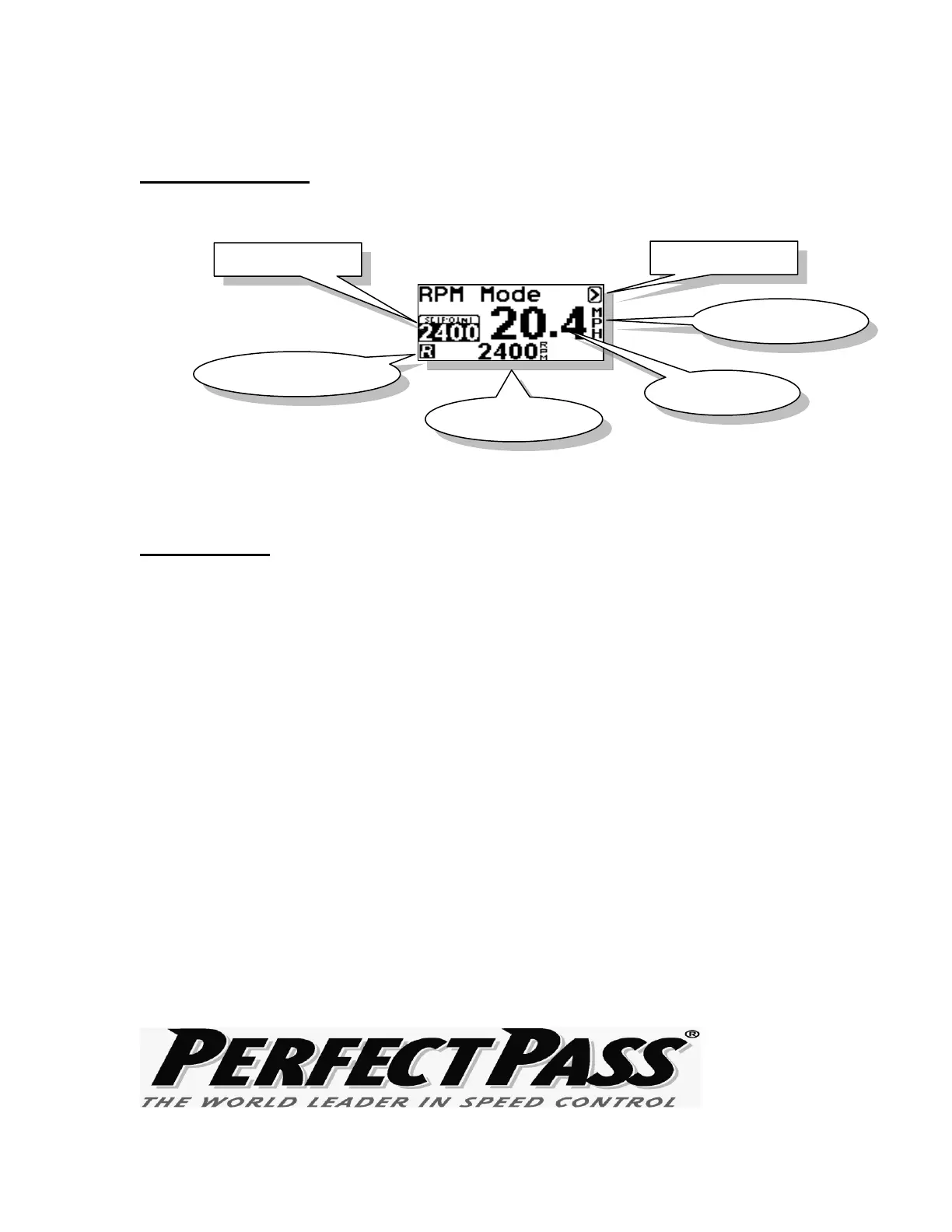
In this mode, the screen will appear as follows:
Operating in this mode is very similar to using the Wakeboard or Trick modes, except the
system is now controlling to an RPM SETPOINT.
RPM DRIVING
Prior to towing the rider / skier, select the RPM SETPOINT by using the UP or DOWN
keys with the SETPOINT highlighted on the screen. Pull the rider up smoothly and
continue to accelerate up to or beyond the RPM SETPOINT so the system can engage
and take control. The digital tachometer should match the RPM set point.
Changes can be made to the RPM SETPOINT while the system in engaged (“on the fly”)
to fine-tune the RPM you desire.



 To Next Page