Section 3 Slalom Mode (Requires Calibration)
SIMPLE SLALOM
This Simple mode is for recreational skiing and will provide an excellent, tournament
quality pull, however, it is not designed to be as accurate as the tournament class Slalom
modes.
This mode allows you to set speeds in 2 mph increments ranging from 24 – 36 mph. It is
designed for those wishing to use the system for open water skiing.
(Before calibrating Slalom Mode, you should calibrate at 20 mph in Wakeboard Mode - See Page 7).
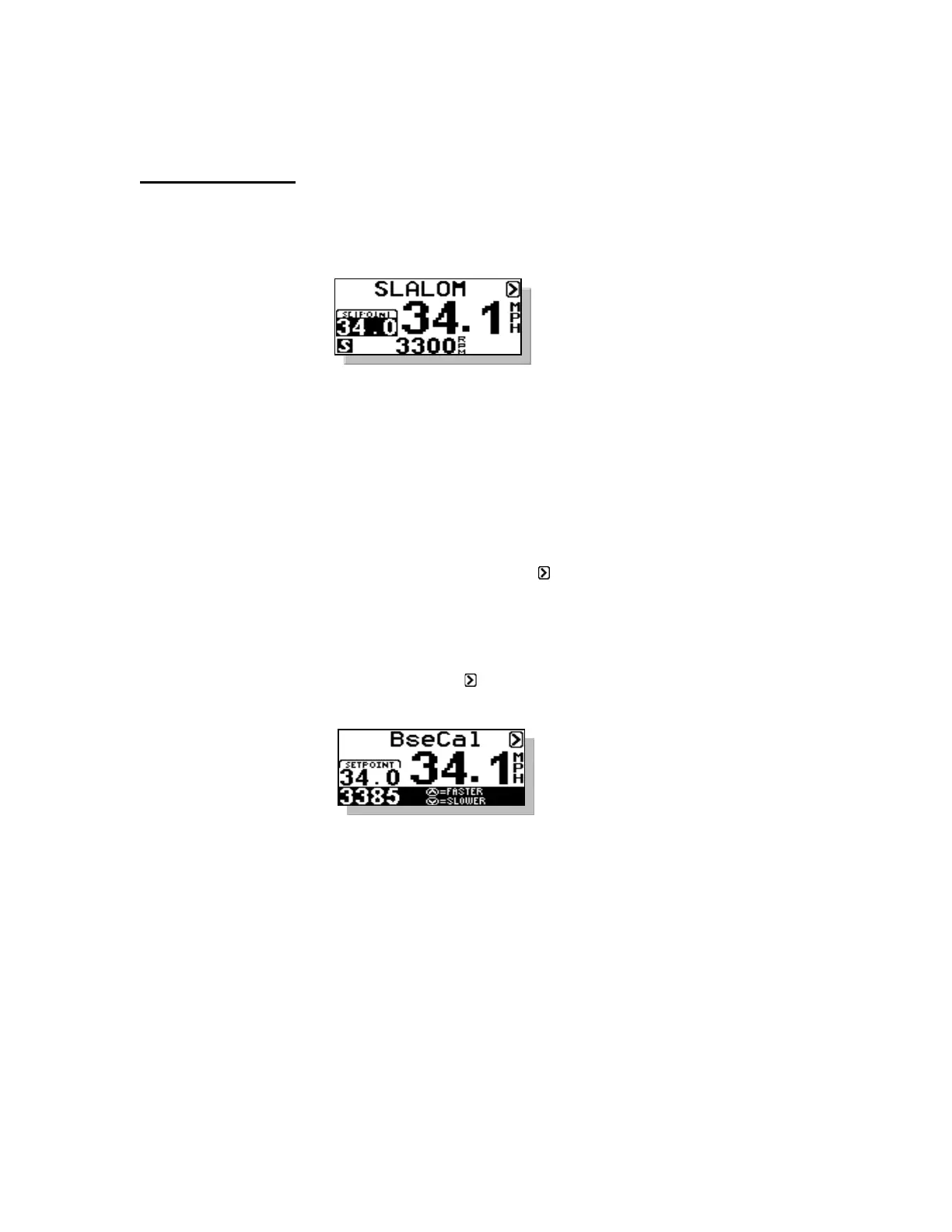
Step 1 Calibrate RPM Baseline – Initial calibration of baselines should be done
with 2 – 3 people in boat and without a skier. If you set the speed at 34.0
mph, but your digital speed readout shows something different such as 33,
simply press the MENU key until the is highlighted then press the
DOWN key. This can be done on the fly or at the dock. Press the UP key
several times and the rpm baseline will increase 25 rpm per press. This
will increase the rpm on the boat which will increase the actual speed.
Adjust the rpm until the actual speed matches the SETPOINT. Press the
MENU key to highlight the then press the UP key to return to the main
Simple Slalom screen.
Baseline Calibration
Screen
If you are towing skiers, you can change the SETPOINT on the fly (i.e.
30 to 32), or you can raise the rpm baseline setting on the fly by going into
the BasCal Screen as described above. For example, you have 32 mph set,
but because you have five people in the boat, the speed may be running a
little slow due to the extra weight. You can adjust the speed by entering
the BseCal Screen and raising the rpm baseline until the digital
speedometer matches the desired speed.



 To Next Page