6
Step 2
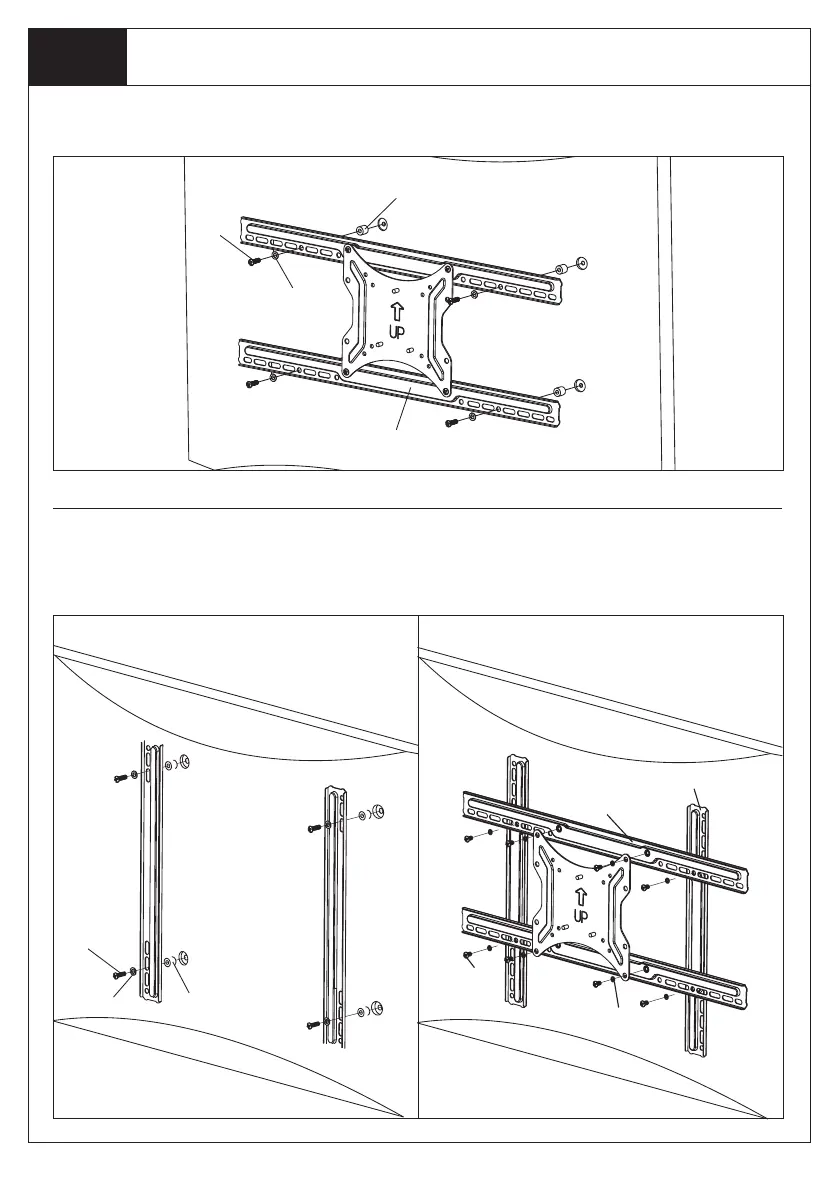
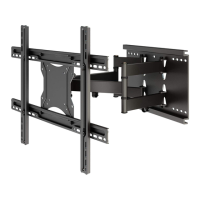
Install VESA Plate to the Back of TV
1. Attach Vertical Bars (B) to Mounting Holes on TV using appropriate TV Bolts and TV Washers. Use
TV Spacers if necessary.
2. Attach Horizontal Bars (A) to Vertical Bars, using Bar Bolts (C) and Bar Washers (D).
3. Attach TV Plate (b) to Horizontal Bars, using Bar Bolts (C) and Bar Washers (D).
2. Attach Horizontal Bars to Mounting Holes on TV using appropriate TV Bolts and TV Washers. Use
TV Spacers if necessary.
Option C: Mounting instructions for VESA 300 x 300, 400 x 400, 600 x 400
GWRL
MNO
PQLIQHFHVVDU\
$
$
%
&
'
GWRL
MNO
PQLIQHFHVVDU\


 To Next Page