03
Step 1
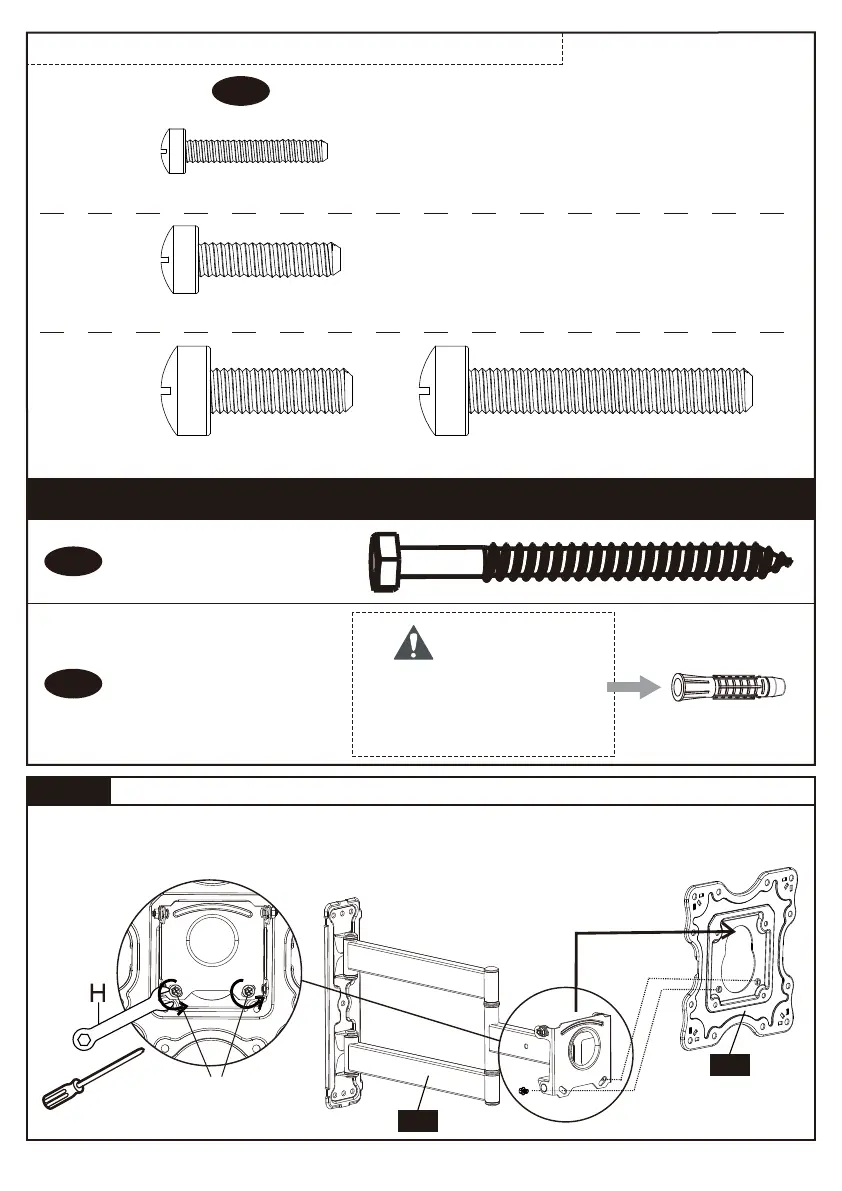
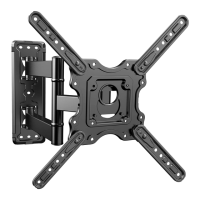
Detach Faceplate
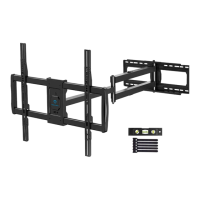
Remove the preassembled bolts [L] using the wrench [H] or screwdriver (not included) to
separate the faceplate [01A] from the arm assembly/wall plate [01B]. Keep bolts [L] for
use in Step 5.
Lag Screws
ST7x70mm
x5
A1
Wall Anchor
φ10x70mm
x5
A2
These anchors are for
concrete or brick walls
ONLY. DO NOT use them
in drywall or wood studs.
CAUTION!
Supplied Parts and Hardware for Step 4
[Only one bolt size fits your TV]
TV Bolts06
M4 x 25mm
x4
M4
Note: The bolts are shown in accordance with the actual size
M6
M6 x 25mm
x4
M8
M8 x 25mm
x4
M8 x 50mm
x4
or
L
01B
01A
[S1]
[S3]
[S4] [S5]


 To Next Page