F3 Corpus
Getting to know your wheelchair
IR setup
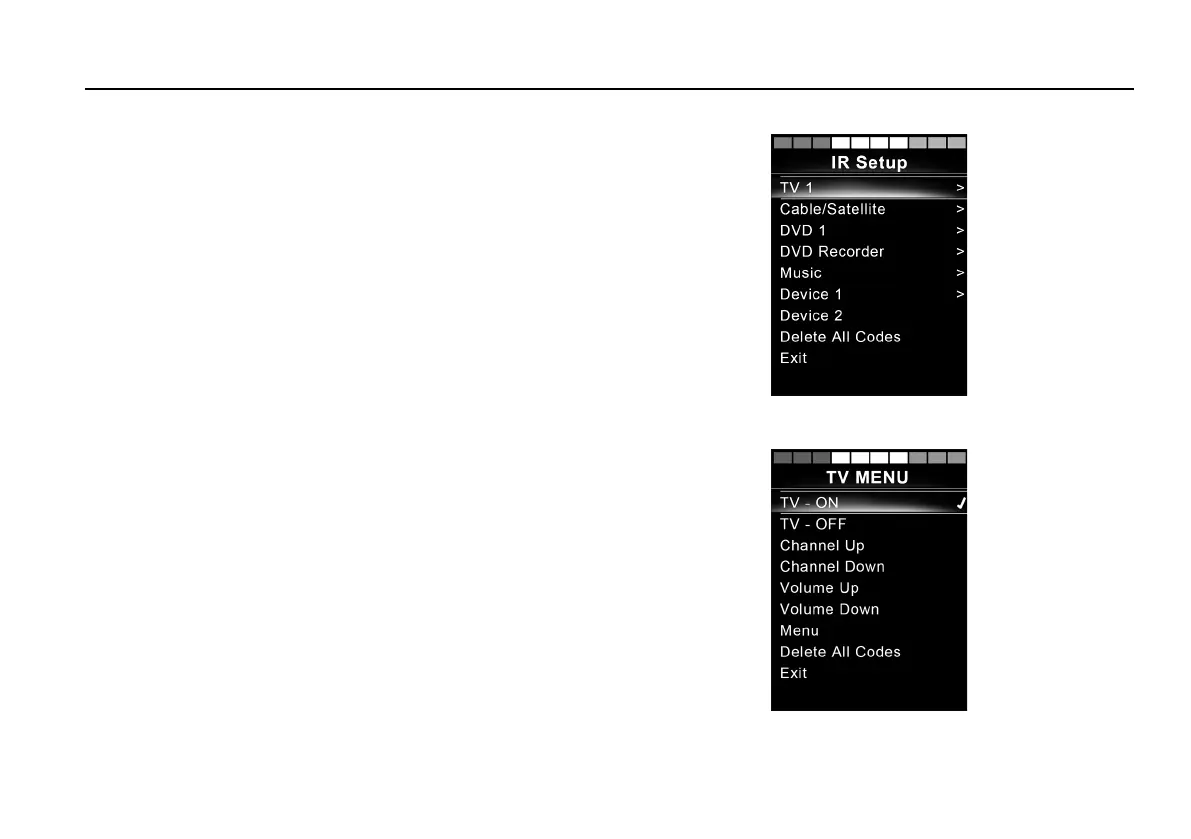
Figure 68. The IR Setup screen.
The IR Setup menu can be accessed via the Settings Menu; see
Settings Menu
, Page 80.
Upon entering the IR Setup menu, the default appliances will
appear. When an appliance is selected, its commands are shown.
Figure 69. Commands on the TV MENU screen.
When a command is followed by a tick, it means that it has a stored
IR code. When a command is not ticked, its IR code has not yet
been stored.
IR codes can be stored or deleted as described in the following
sections.
99














 To Next Page