Manual Programing
8
In the event that the Universal Remote cannot automatically detect your particular system
frequency settings, you can manually program the remote following the steps below:
1. Simultaneously press and hold the
DOG TOGGLE button and the VIBRATE
button for three seconds or until the
POWER light is solid red.
2. Release the DOG TOGGLE and
VIBRATE buttons.
3. Press the TONE button the number
of times that corresponds to your
particular fence manufacturer and
frequency setting. The POWER light
will blink off for a short time to
confirm your selection.
4. Press and release the VIBRATION
button. The POWER light will blink
to confirm the number you have
selected.
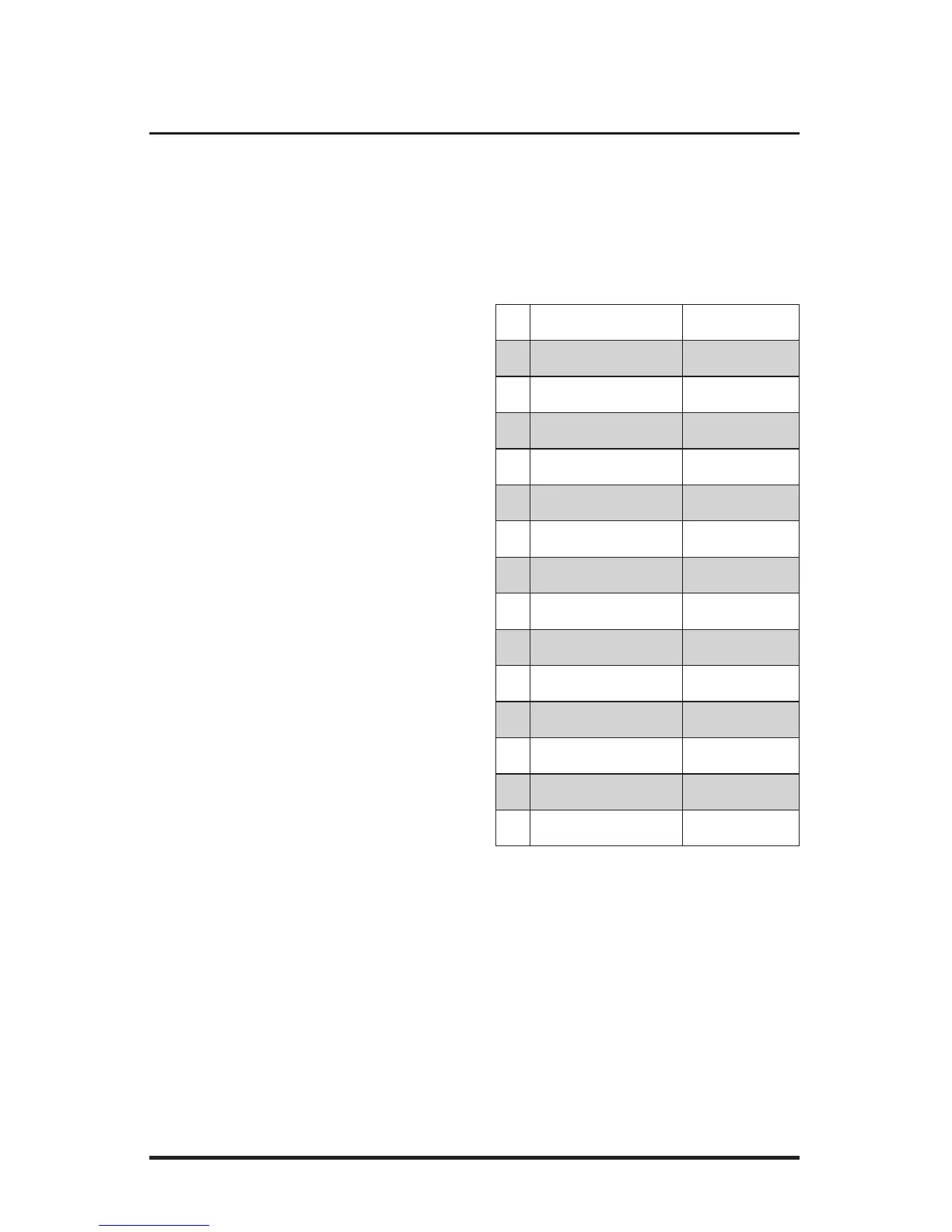
BRAND FREQUENCY
1 Pet Stop 7K
2 Pet Stop 10K
3 Pet Stop 14K
4 Pet Stop 4K
5 Dog Guard 7K
6 Dog Guard 10K
7 Dog Guard 15K
8 Invisible Fence 7K
9 Invisible Fence 10K
10 Invisible Fence 15K
11 Dog Watch 7K AM
12 Dog Watch 4K AM
13 PetSafe 10K
14 PetSafe 7K



 To Next Page