39
2. Power up your Petcube, wait 1
minute until it starts up;
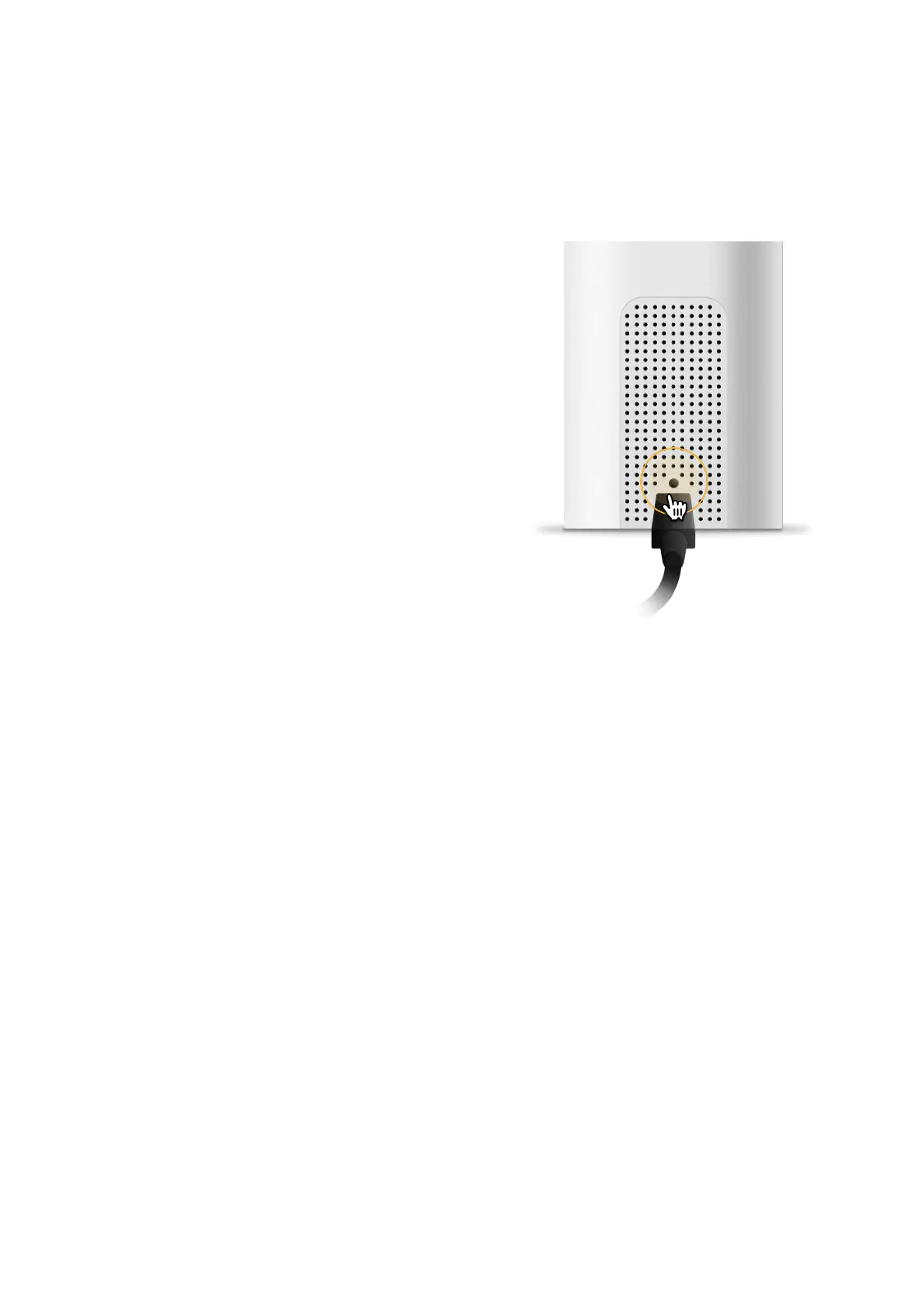
3. Find setup button right above
the USB port of your Petcube Bites
2 Lite (fig 8.6.1), hold it down with
a pin for 1 seconds until you hear
«Ready to connect»;
4. Open Petcube app, go to the ‘Home’
tab, select ‘connect your device’,
pick your Petcube from the list
of options and follow the steps
on the screen.
If you want to have the firewall on, you
need to open the following ports:
a) TCP port 3335; 34.194.225.22
b) TCP port 443; 35.212.7.2135.207.1.22
(You may not need the UDP ports
because they’re rarely blocked, but
UDP range should be from 7000 to
7100) WPS pin code should be disabled
(please note that not all the routers
have it).
MAC filtering should be disabled. If
enabled, a MAC address can be found
at the back of the cube.
Fig. 8.6.1



 To Next Page