30
19. Setting up multiple Petcube cameras to one account
To register multiple cameras
in a single account:
1. Launch the Petcube app.
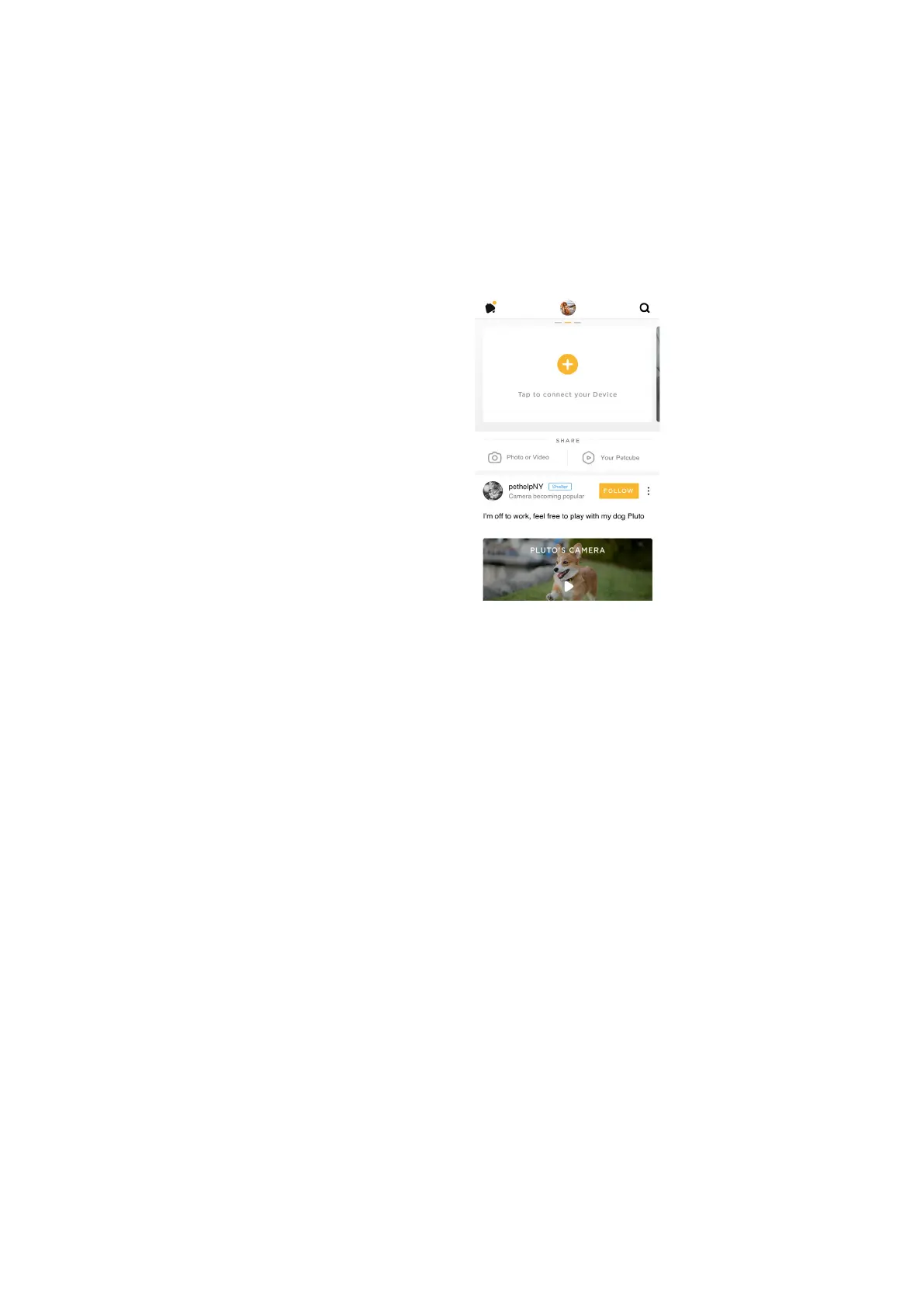
2. Swipe left at the top of the ‘Home’
tab (fig 4.19.1)
3. Press ‘Tap to connect your device’
icon
4. Select your Petcube in the list and
follow the instructions
Repeat this process to register
additional devices.
20. Registering Petcube to a different account
Be aware that a Petcube can only be registered to one user. You cannot register it under
multiple accounts, but you can share access to it with other users using various sharing
options.
If you need to register a Petcube to a different account, simply delete the camera from
the account it is currently registered to:
1. Open the Petcube app
2. Go to the camera profile, tap the ‘Settings’ wheel in the upper right corner if you use
Android or tap the ‘Play’ icon if you use iOS
3. Tap the ‘Settings’ wheel in the upper right corner and tap ‘Disconnect camera’
Fig. 4.19.1



 To Next Page