62
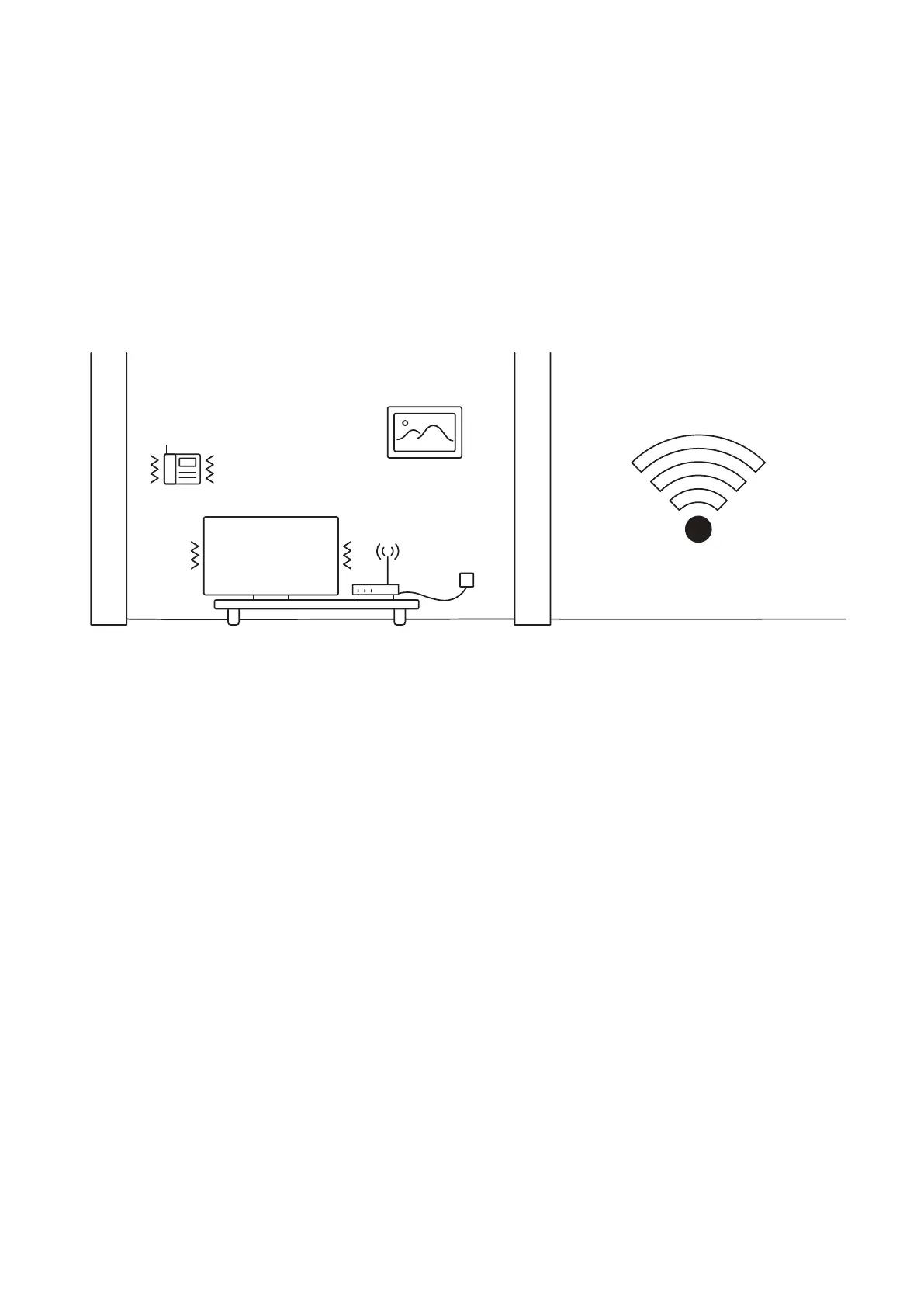
Fig. 8.17.3
Example 3 shows interference caused by radio (phone) or electronic appliances (TV).
Poor Wi-Fi signal can be also impacted by microwaves, refrigerators, cordless phones,
baby monitors etc.
18. Petcube is Disconnected in the app
If your Petcube camera status shows as ‘Disconnected’ in the Petcube app, it usually
means that your phone is not connected to the Internet at the moment or the network
you are connected to has certain restrictions. Try to switch to any other Wi-Fi network
or connect to your camera using cellular data (LTE, 3G).
19. Petcube goes offline / turns off
This issue may occur if you’re using a non-original or a less powerful A/C adapter. Please
make sure to use only 5V / 2A power adapters.
If you’re using the original adapter, but the problem persists, contact Petcube Customer
Care Team to determine the problem.



 To Next Page