TouchScreens
OperatingthecontrolsfortheiPod®
inputaresimilartoplayingaudioona
CDorUSBdevicewiththeadditionof
aPLLSTbutton.ThePLLSTbutton
replacestheBWSEbuttonandallows
theusertoselecttheplaylisttobe
played.
Pressingtheupanddownarrowsto
therightwillpageupanddownthrough
theavailableplaylists.
Pressingaspecicplaylistwillshowa
listofsongsavailableintheplaylist.
Pressingthearrowtotherightofthe
playlistwillstartplayingtherstsong
ontheplaylistandcontinueplaying
songsfromthatplaylist.
PressingtheBACKbutton
willtake
youbacktothepreviousscreen.
PressingthePAUSE/PLAYbutton
allowstheusertoalternatebetween
playingandpausingtheselectedtrack.
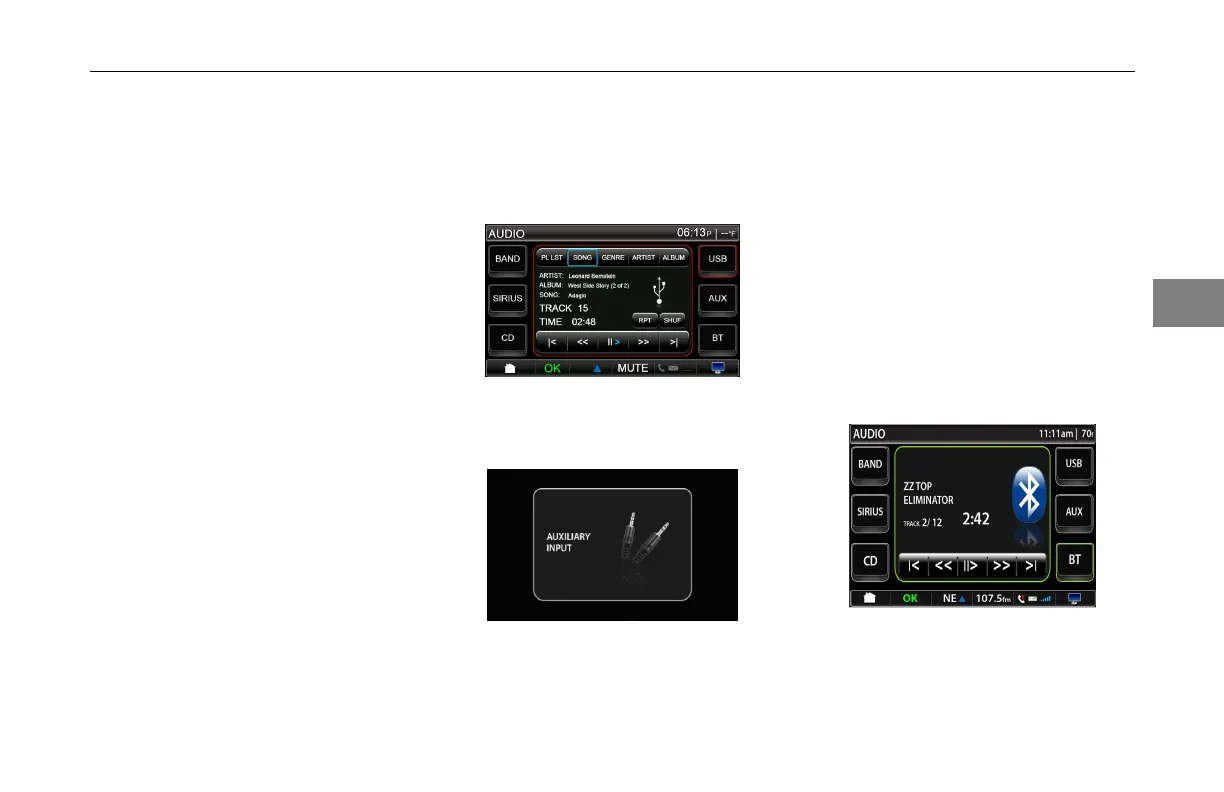
Theinformationscreendisplaysthe
ArtistName,TrackTitle,AlbumTitle
andTrackNumberoutofTracks
available,andTimeElapsed.
iPod®USBInput
AuxInput
AuxInput
PressingtheAUXbuttonfromthe
audiomainscreen,thesystemallows
theoperatortoplaysoundthrough
theirauxiliarysystemviathe3.5mm
auxinjackontheremoteheadunit.
Thereisnocontrolfromthedisplayfor
thisinputdevice.
Bluetooth®DeviceInput
PressingtheBTbuttonontheaudio
mainmenutakestheusertothe
Bluetooth®audioinputscreen.
Bluetooth®DeviceInputScreen
3-
21
3



 To Next Page