11
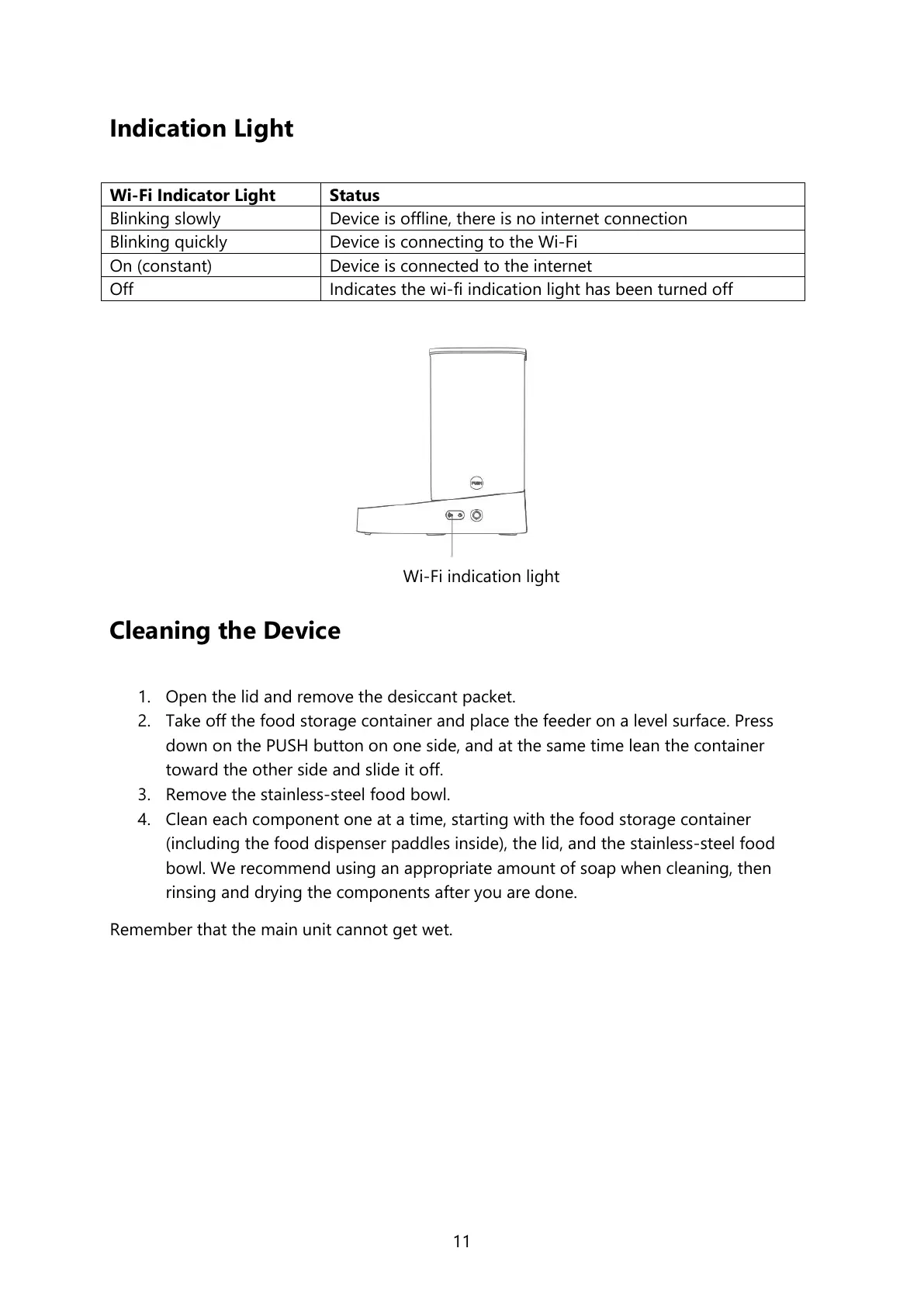
Indication Light
Device is offline, there is no internet connection
Device is connecting to the Wi-Fi
Device is connected to the internet
Indicates the wi-fi indication light has been turned off
Cleaning the Device
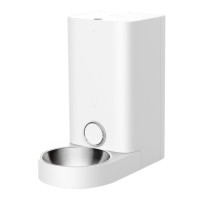
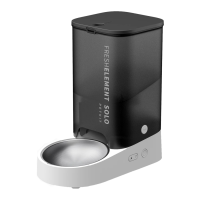
1. Open the lid and remove the desiccant packet.
2. Take off the food storage container and place the feeder on a level surface. Press
down on the PUSH button on one side, and at the same time lean the container
toward the other side and slide it off.
3. Remove the stainless-steel food bowl.
4. Clean each component one at a time, starting with the food storage container
(including the food dispenser paddles inside), the lid, and the stainless-steel food
bowl. We recommend using an appropriate amount of soap when cleaning, then
rinsing and drying the components after you are done.
Remember that the main unit cannot get wet.




 To Next Page