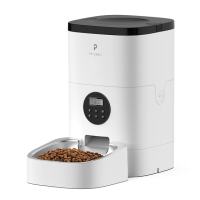
• After the current time is set, press the Set button ,
and the LCD display will show the current time
and blink the Meal number. Press the Up / Down
buttons / to set 1-4 meals per day.
• Press and hold the Unlocked button 3s to unlock
the screen.
• Press the Set button , and the Time icon
will blink the hour field.
• Press the Up / Down buttons / to scroll
through numbers to set the hour.
• Press the Set button to move to the minute field,
set the minute similarly.
• After the meal number is set, the LCD display will
blink the current Meal number. E.g., the meal
number now is blinking “1”, indicating it’s ready
for settings of the first meal.
- Setting the time of the current meal
• Press the Set button and the hour field of the
Time icon will blink.
• Press the Up / Down / buttons to set the hour.
• Press the Set button and Up / Down /
buttons to set the minute in the similar way.
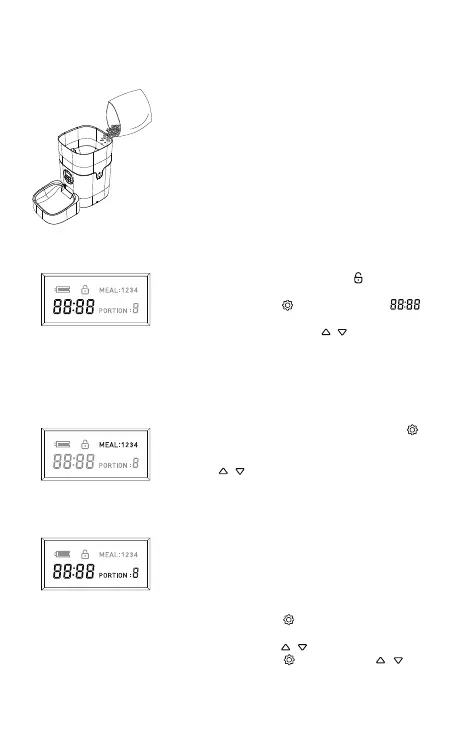
• Fill food tank with dry pet food. Close the lid and it
will snap into place due to gravity.
Note:
1) Do NOT use canned, wet or moist pet food.
2) Recommend kibble size ranging from 2-10mm /
0.07-0.4in in diameter.
4. Filling Food Tank
5. Setting the Time
6. Setting the Meals Per Day
7. Setting the Time & Portion of Meals
6


 To Next Page