7.3. Working with the data
You can examine your dog’s data and alerts at all times from any device with Internet
connection.
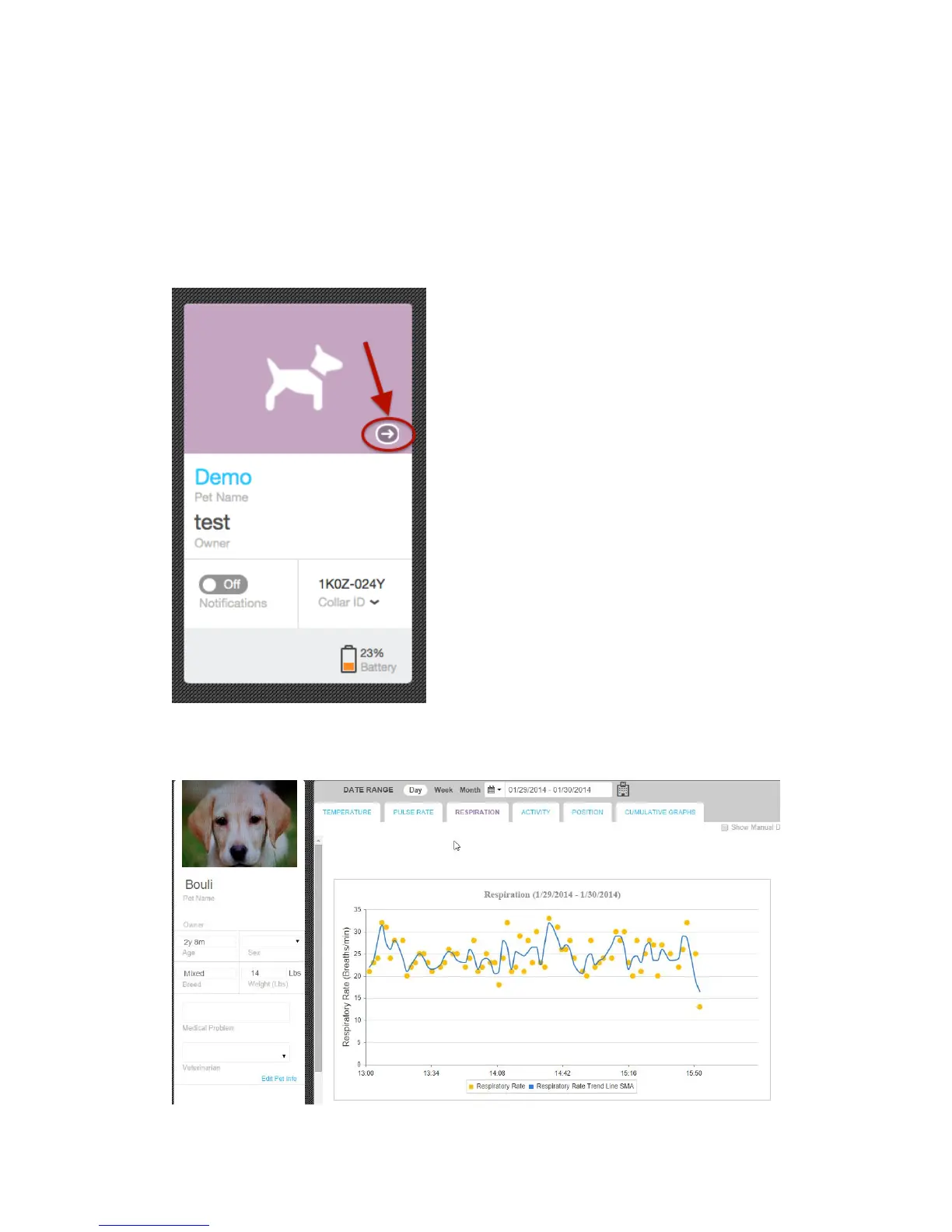
1. From the Pets window, select the desired pet to monitor and click on the little arrow
on lower right corner of the image area. This will open the Dashboard page.
2. On the Dashboard page you can view all the data gathered on your pet for the time
period you selected.



 To Next Page