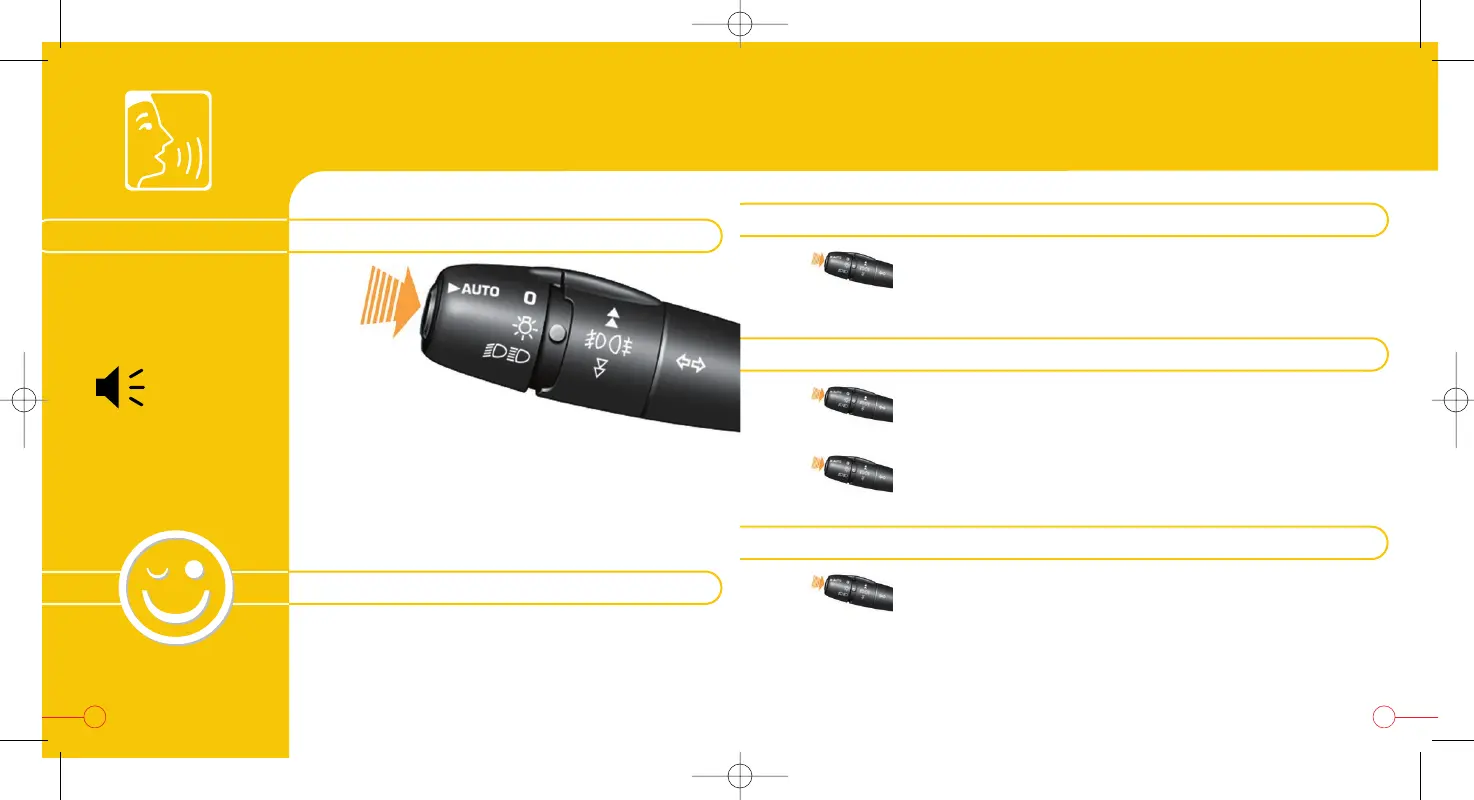
A brief press
activates or deactivates
the spoken command.
SPOKEN COMMANDS
To make a call or activate navigation to directory files, spoken descriptions
must be recorded.
To display the list of commands available on the screen,
classified by menu and sub-menu, you can either:
- say "Help" or "What can I say?",
- press the "MENU" button for more than 2 seconds.
2524
"Pardon"
=
repeat
HANDY HINT: list of commands
"Changer"
"
Disc number"
"
3
"
"Changer"
"Next track"
RECALLING A STORED RADIO STATION
PLAYING A TRACK ON A CD IN THE CHANGER
"Radio"
"Memory"
"
1
"
CHANGING THE FUNCTION DISPLAYED
"Display"
"Audio" or "Trip computer" or
"Telephone" or "Navigation" or
"Guidance"
audible signal
=
confirmation
VOICE RECOGNITION
From a pre-recorded list, you can control certain
functions of your GPS audio/telephone vocally.
The words must be spoken one by one, pausing
between each to wait for the audible confirmation
signal and displaying of the word recognised.


 To Next Page