INTRODUCTION
98
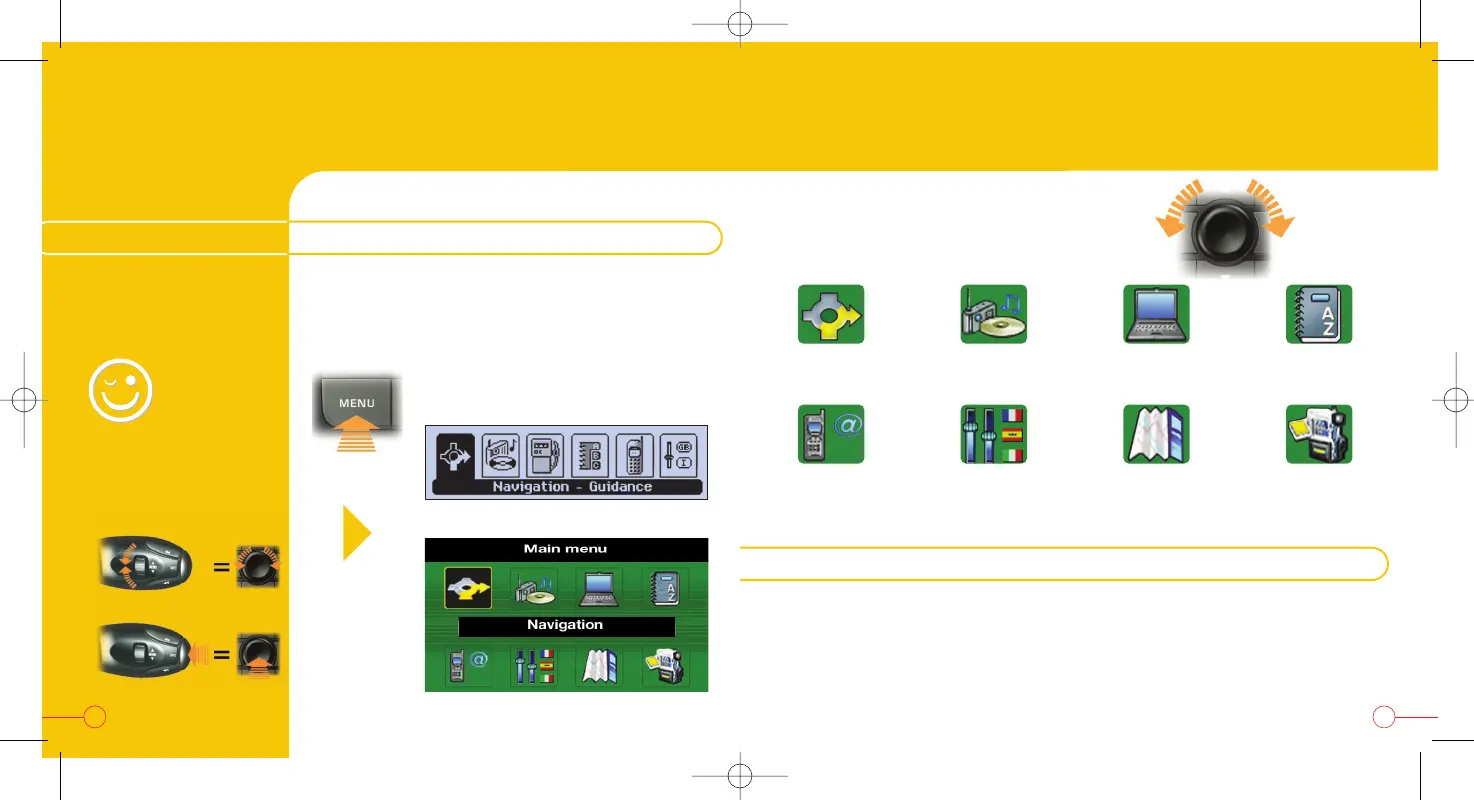
MAIN MENU
Press the "MENU" button to access the main
menu and select one of the following
applications:
Map* Video*
* With the colour screen only.
ConfigurationTelematics
DirectoryTrip
computer
AudioNavigation-
Guidance
Monochrome screen
Colour screen
This CD enables you to change certain parameters (male / female voice,
language).
To do this: "Configuration" menu and select the element to be
changed.
Observe the instructions written on the CD sleeve.
THE CONFIGURATION CD-ROM
HANDY
HINT
For greater ease, use
the steering wheel
control:
To move around the main menu,
use the dial on the right:

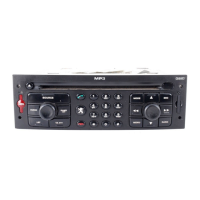

 To Next Page