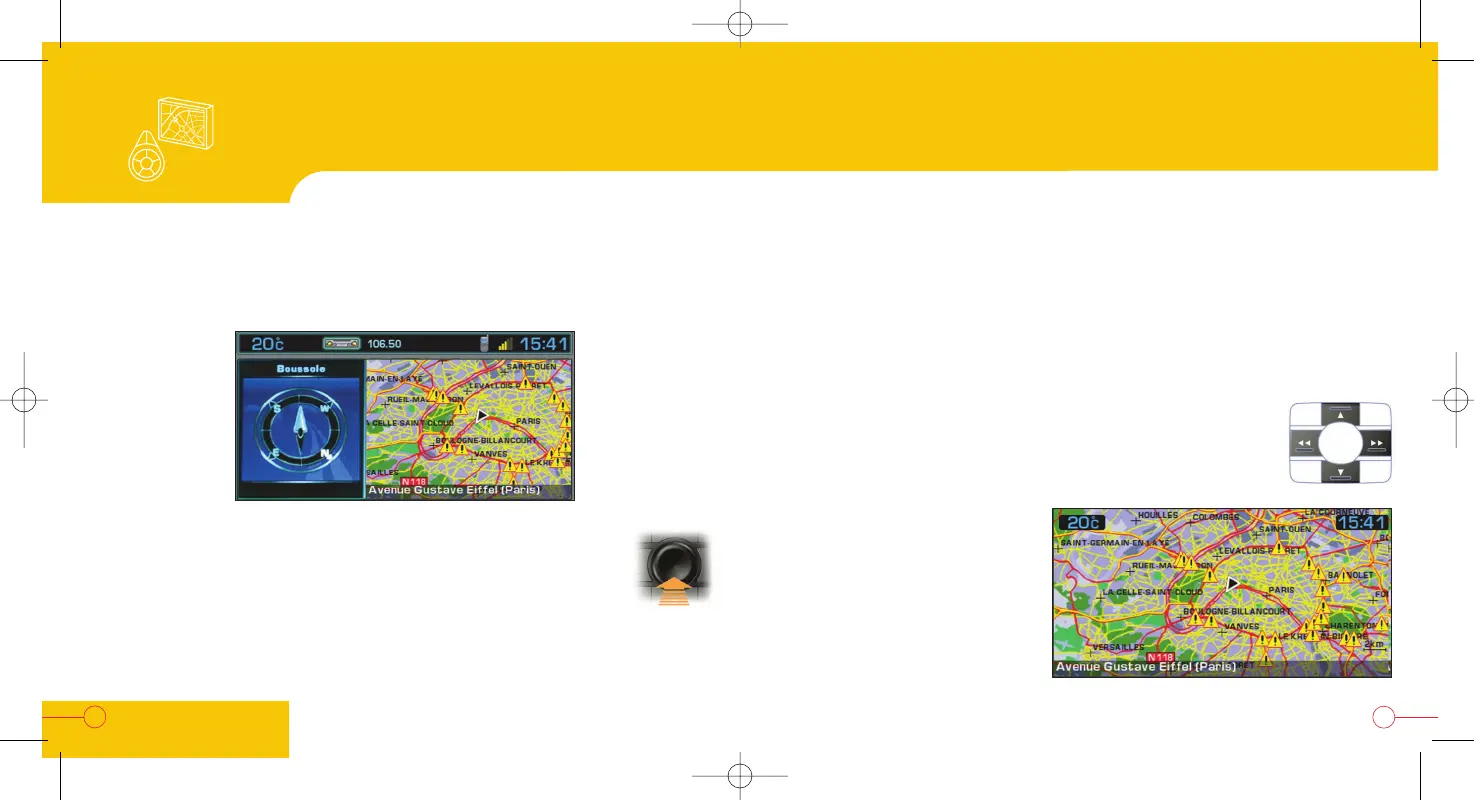
The colour screen: map
The "Movement on map" display permits the selection of any location
on the map in order to:
- display the information about this location,
- be guided to this location,
- store this location in a directory file.
In all cases, you will obtain:
- either the postal address, if it is available,
- or the service if it is one,
- or if this is not available, the GPS co-ordinates.
34
To move the cursor, to select any location in this mode, use the
four direction arrows.
To display the full screen map,
press the dial on the right and
select "Full screen".
Note: if you have activated
displaying of the TMC RDS traffic
information messages, these will
be represented in the form of
symbols.
35
SPECIAL
EQUIPMENT
You can move on the map to see other areas using the following screen:
From the "Vehicle following on map" display, press the dial on
the right and select "Move the map".
To return to the "Vehicle following on map" display, press the
dial on the right and select "Exit map mode".
Note: these commands can also be accessed from the 807
additional control.
Display: movement on map


 To Next Page