TMC RDS
traffic information
36
SPECIAL
EQUIPMENT
You can display the TMC RDS traffic information messages irrespective of
whether your screen is monochrome or colour.
From the main "Telematics" menu, select "TMC RDS Traffic Information"
and confirm using the dial on the right.
On the "Traffic Information" menu,select "Consult messages" and confirm
using the dial on the right.
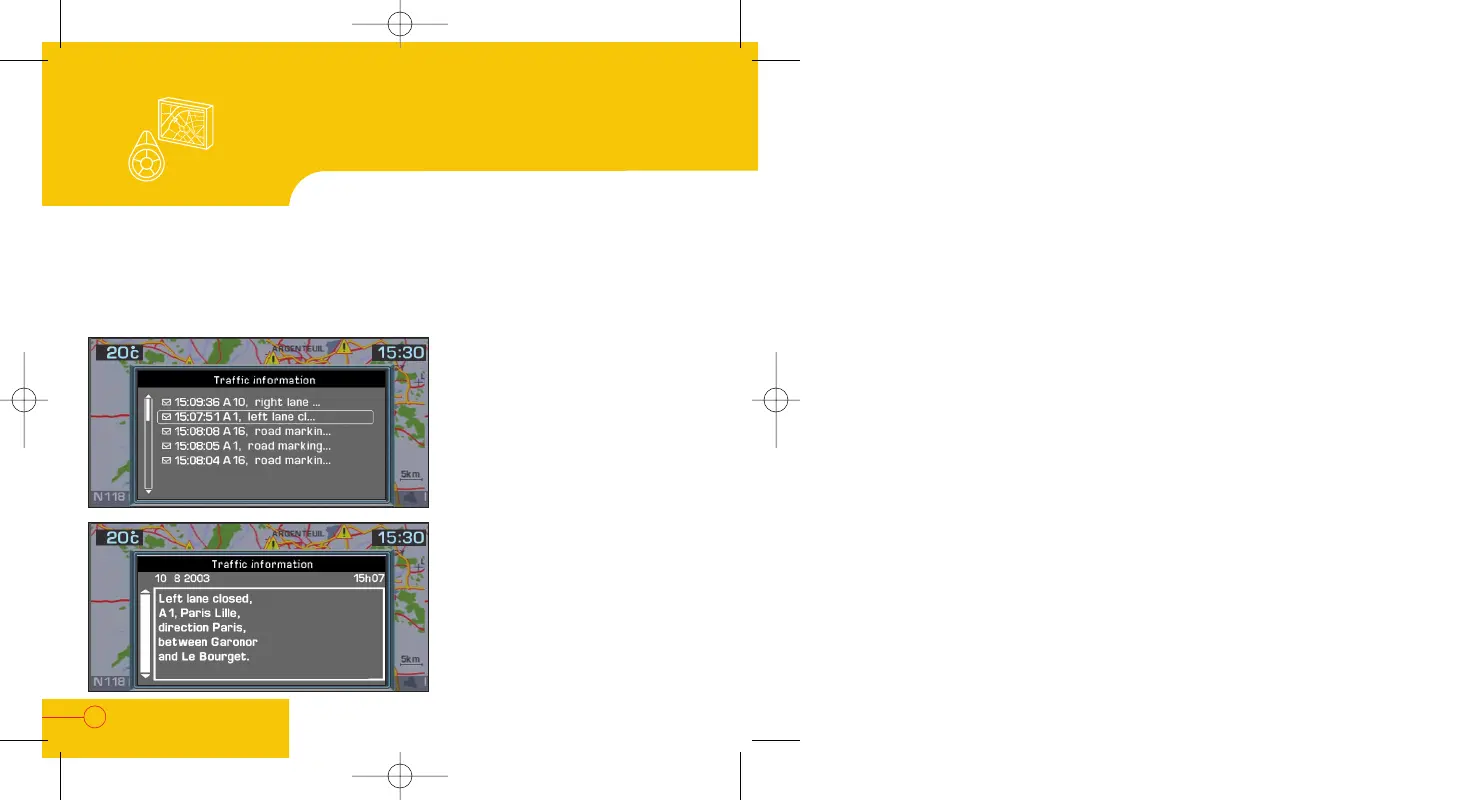
The list of available traffic
information messages is displayed.
You can also use the spoken
commands: "Traffic info", then
"Read" or "Display".
On the "Traffic Information"
menu, select "Filter the TMC
info" to display a category of
information.
Using the dial on the right, select
the message which is of interest to
you to obtain the details relating to
it.
The message is read by the voice
synthesiser automatically, if it is
active.


 To Previous Page